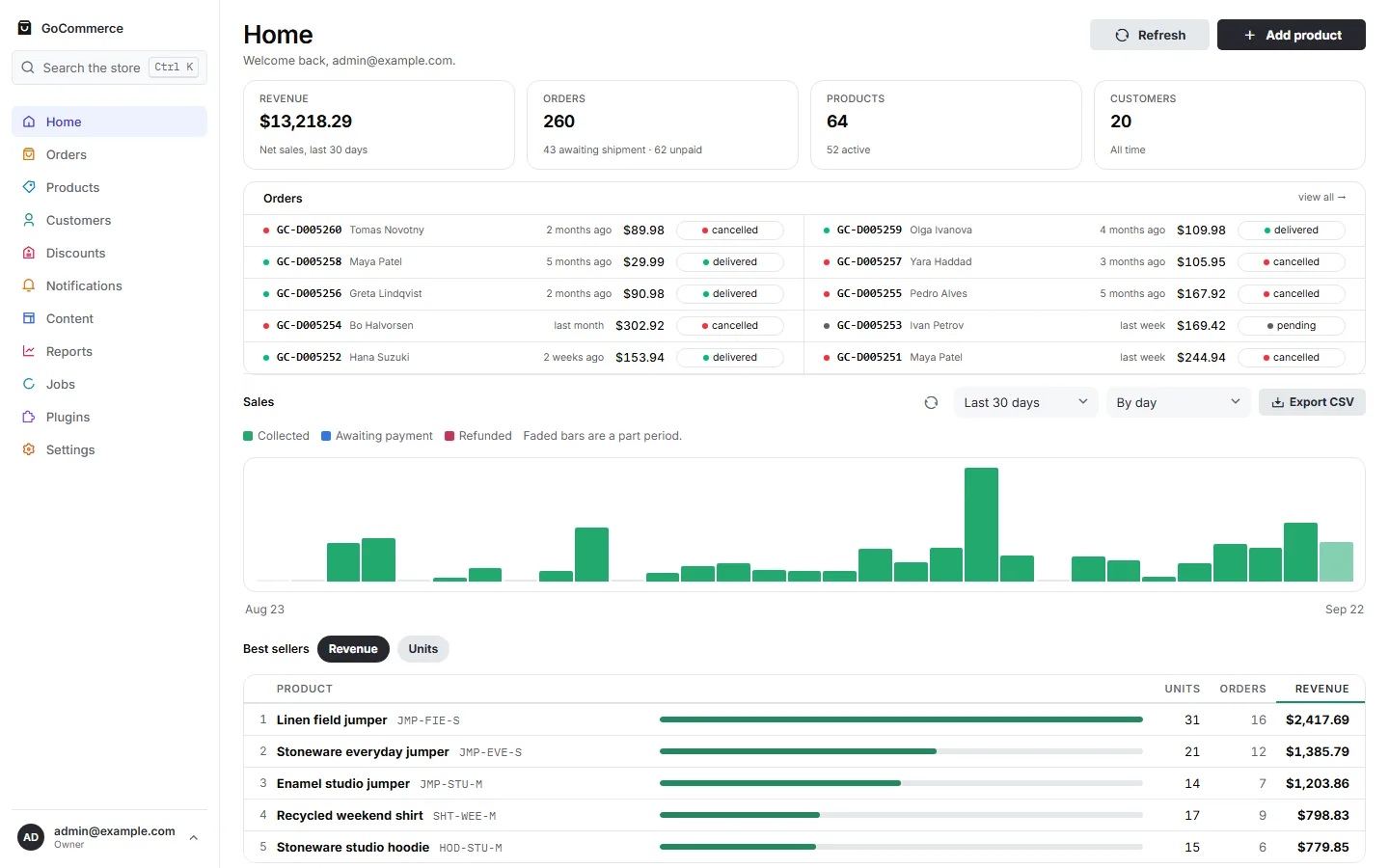
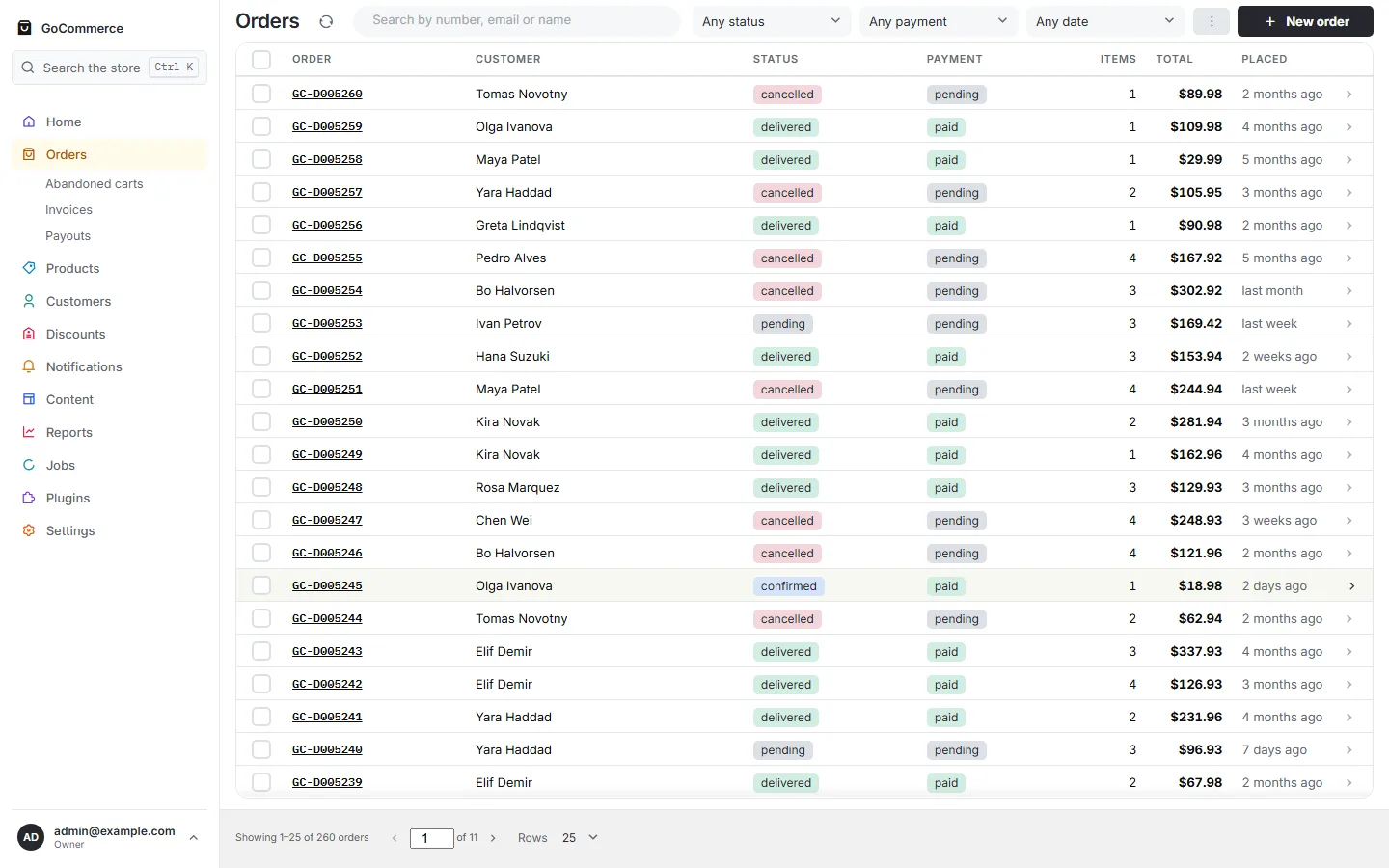
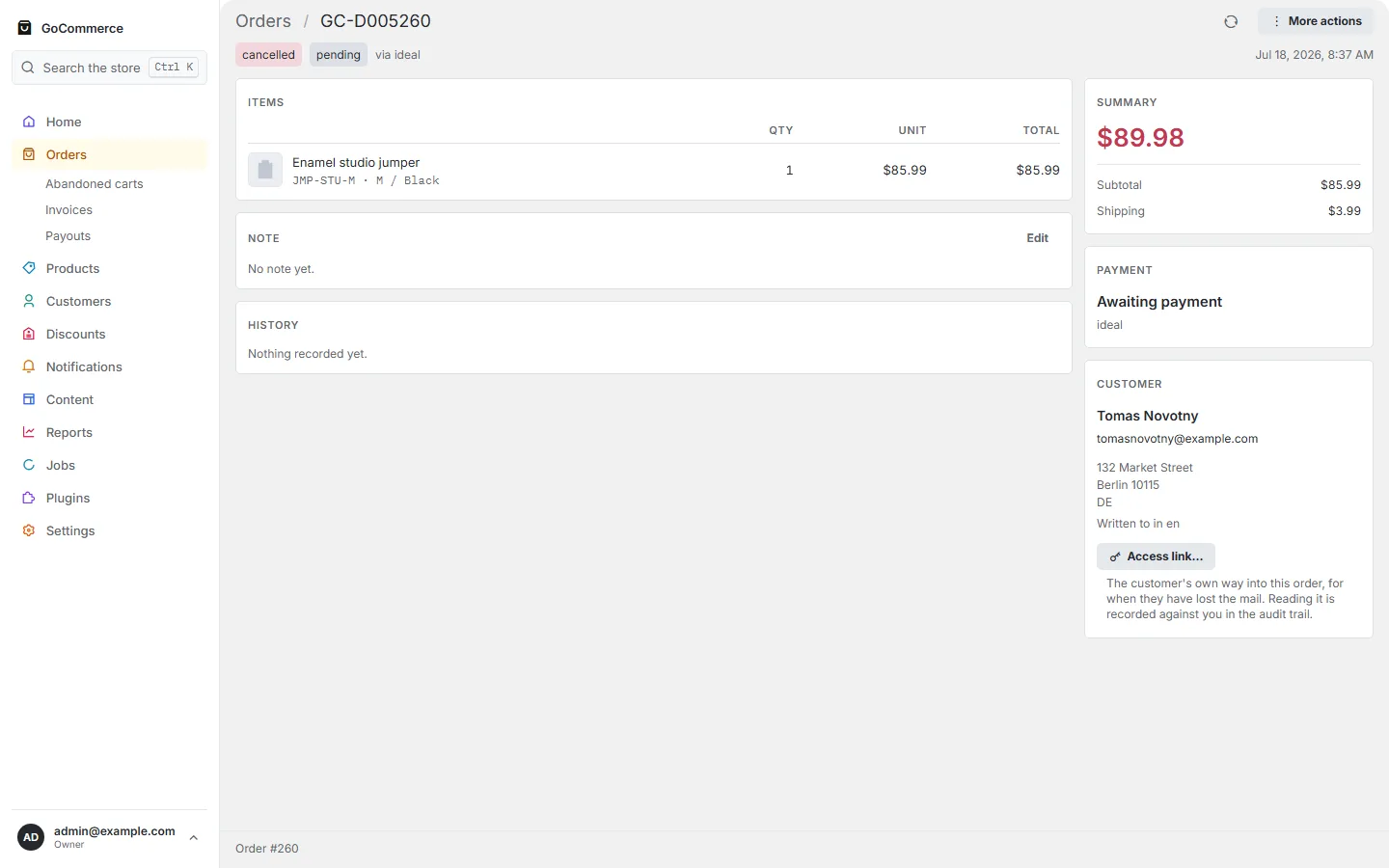
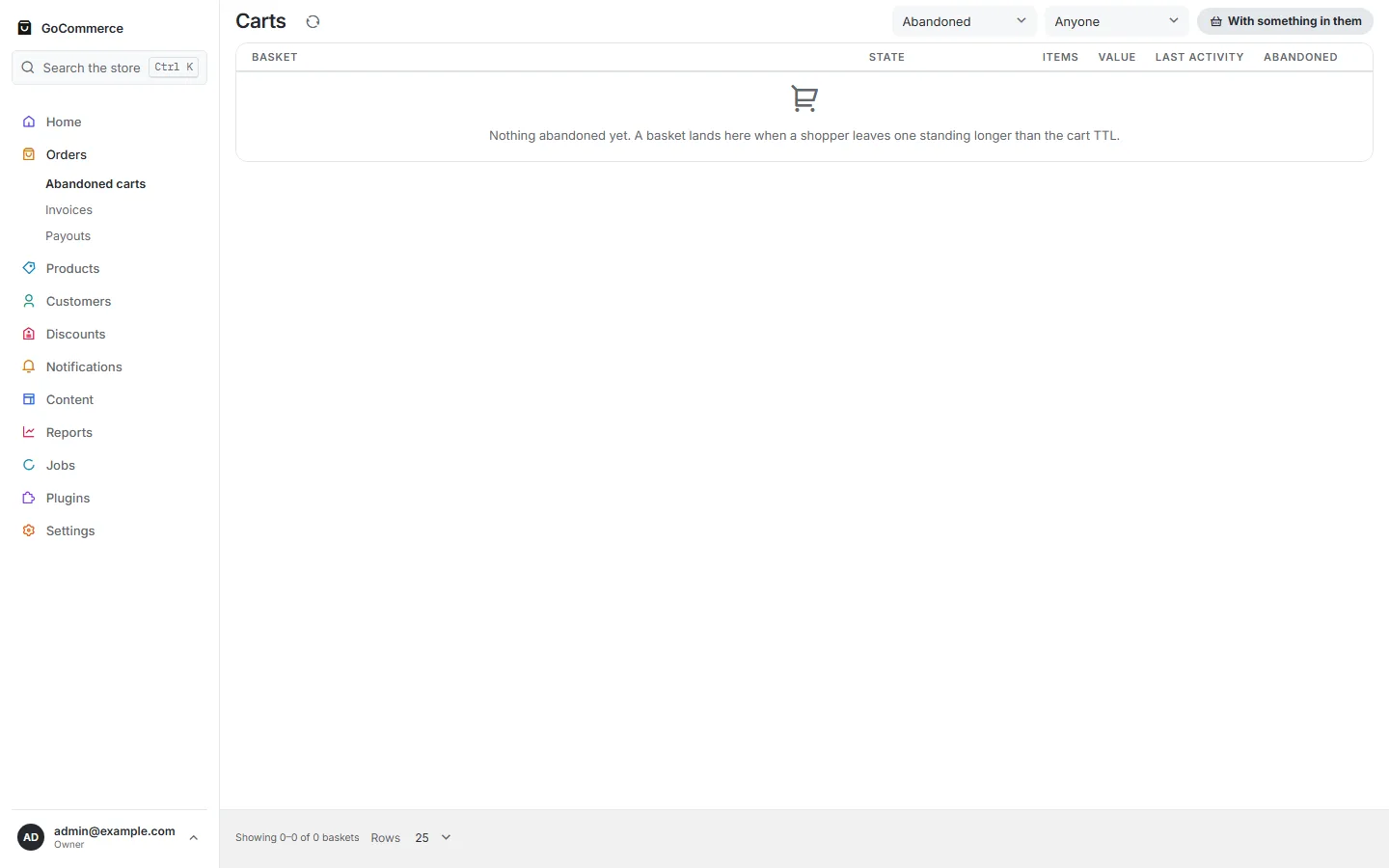
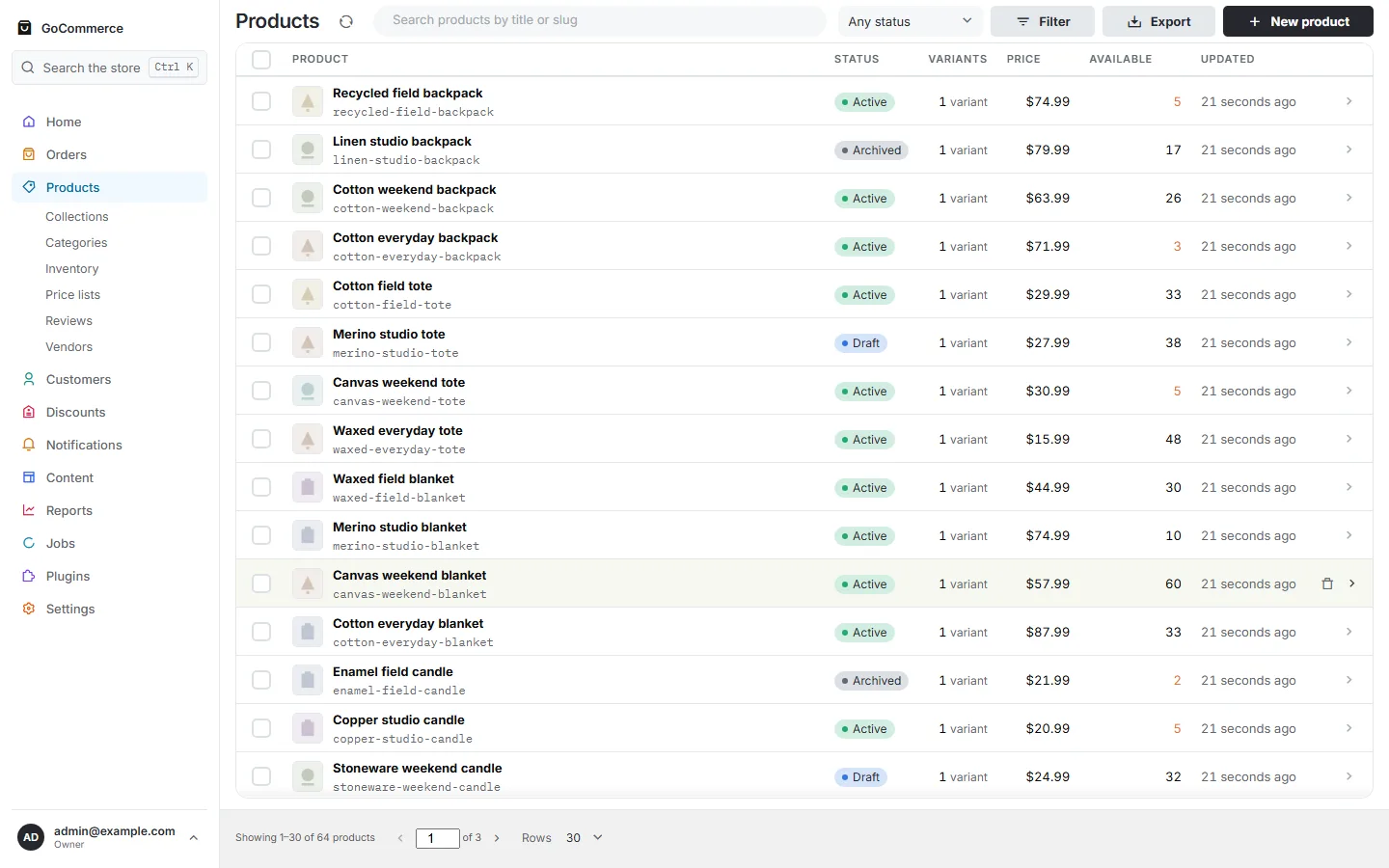
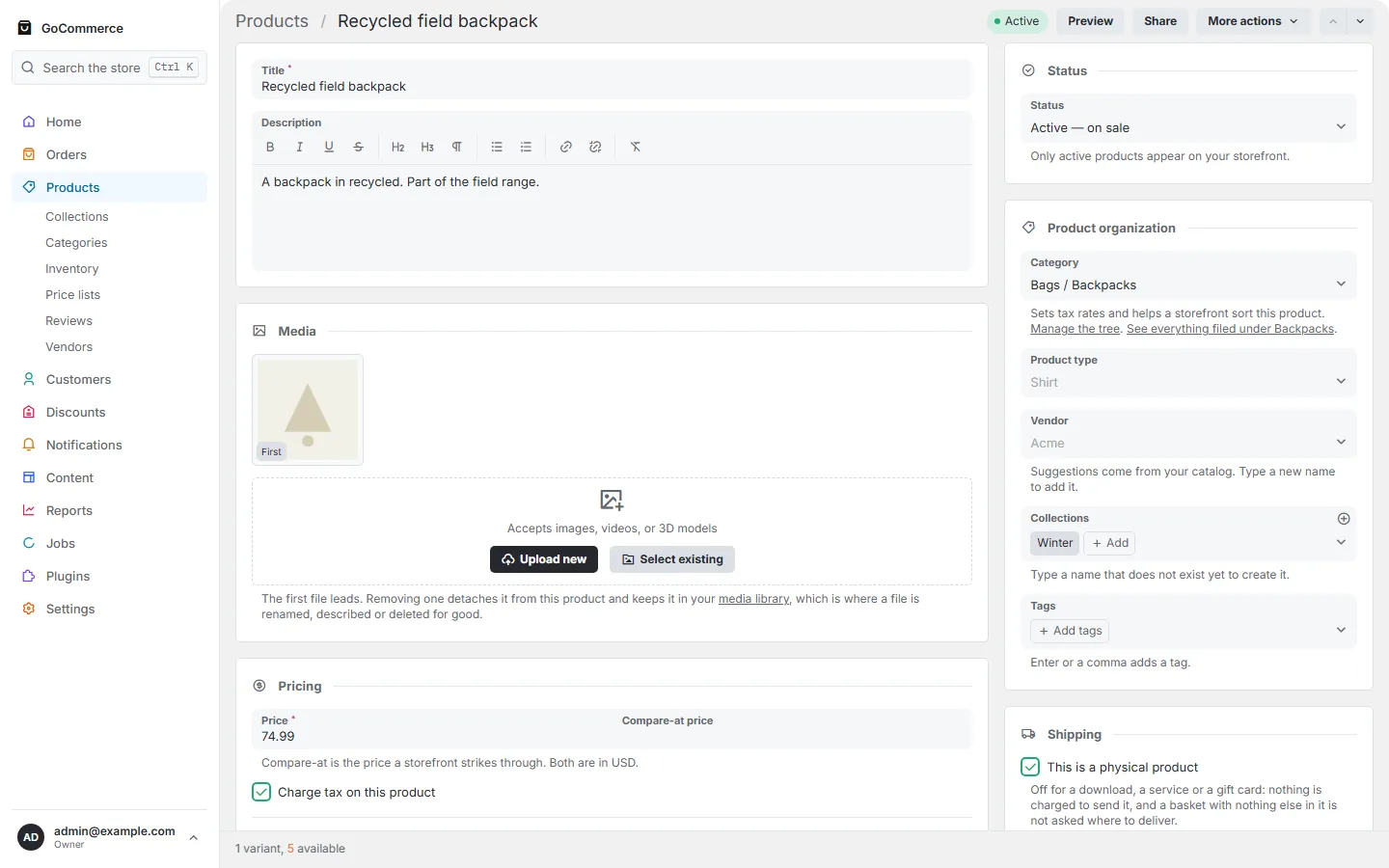
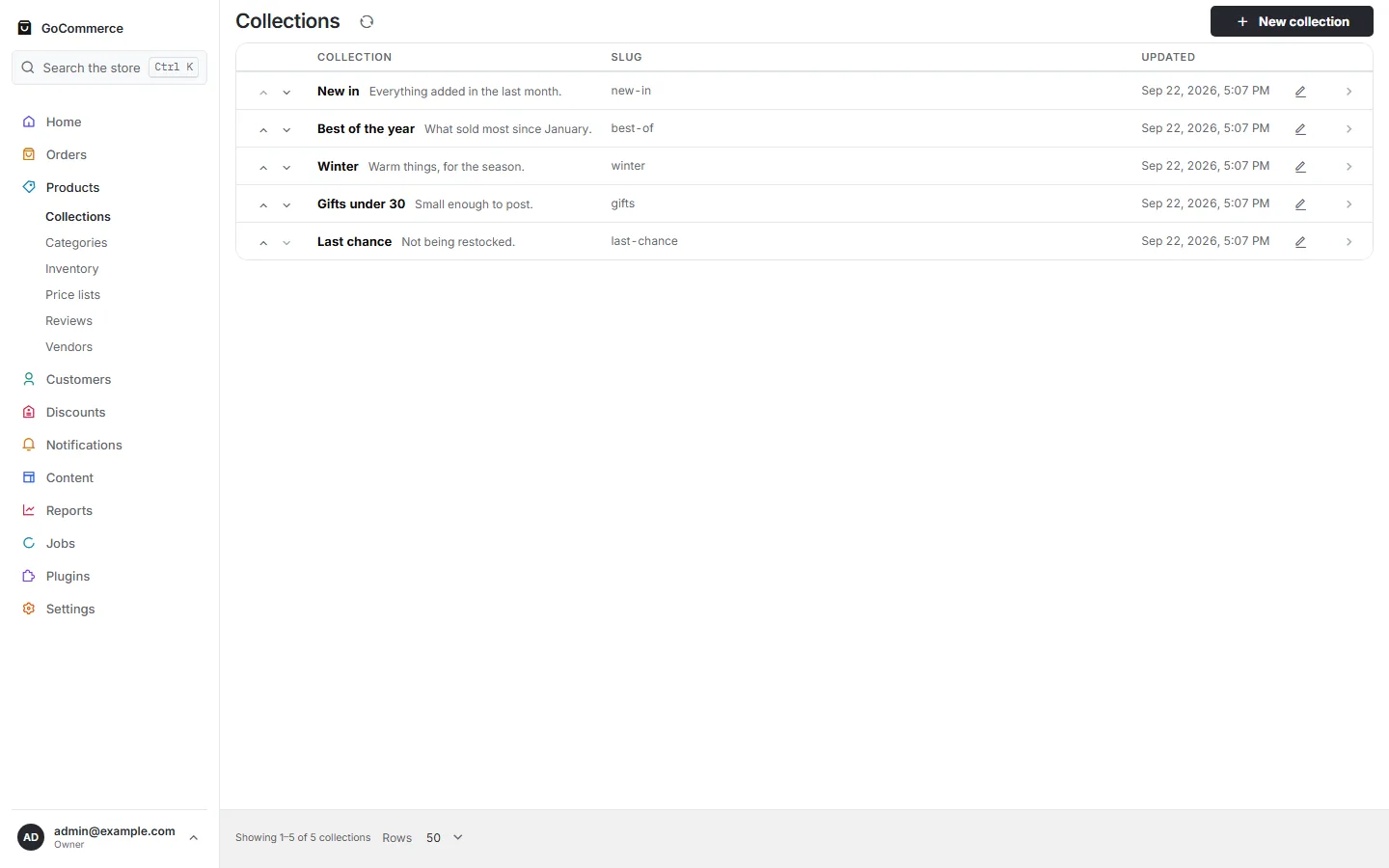
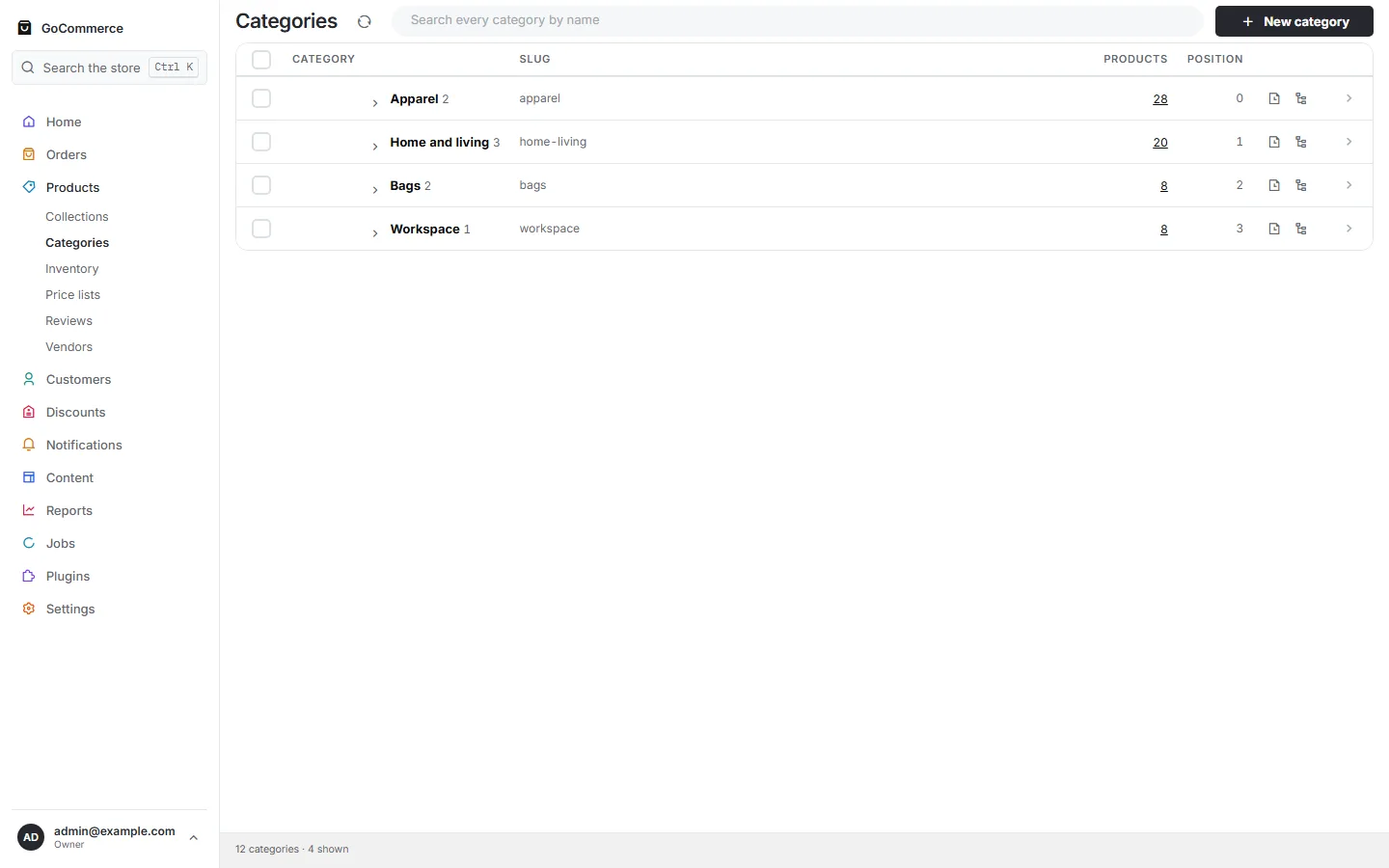
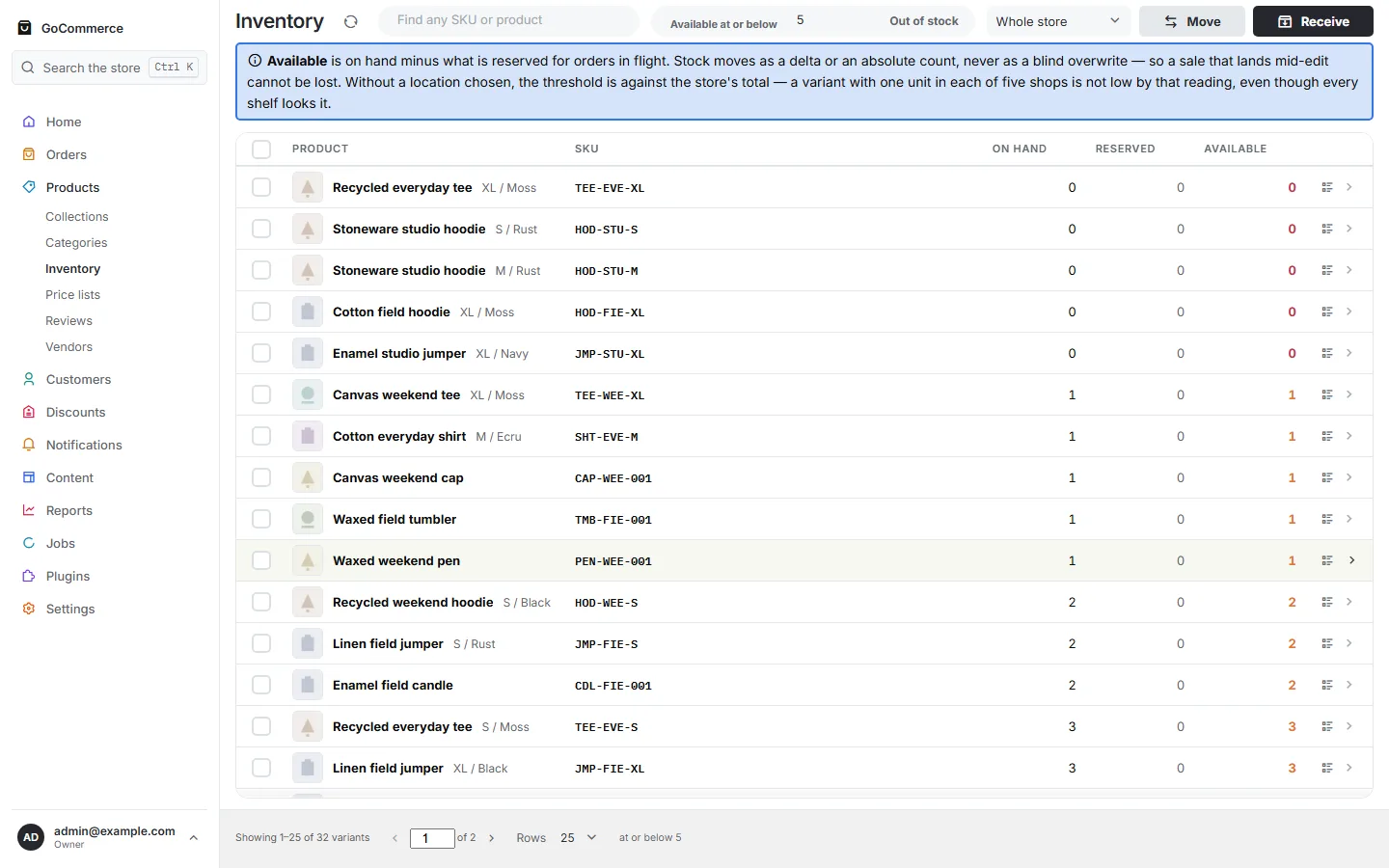
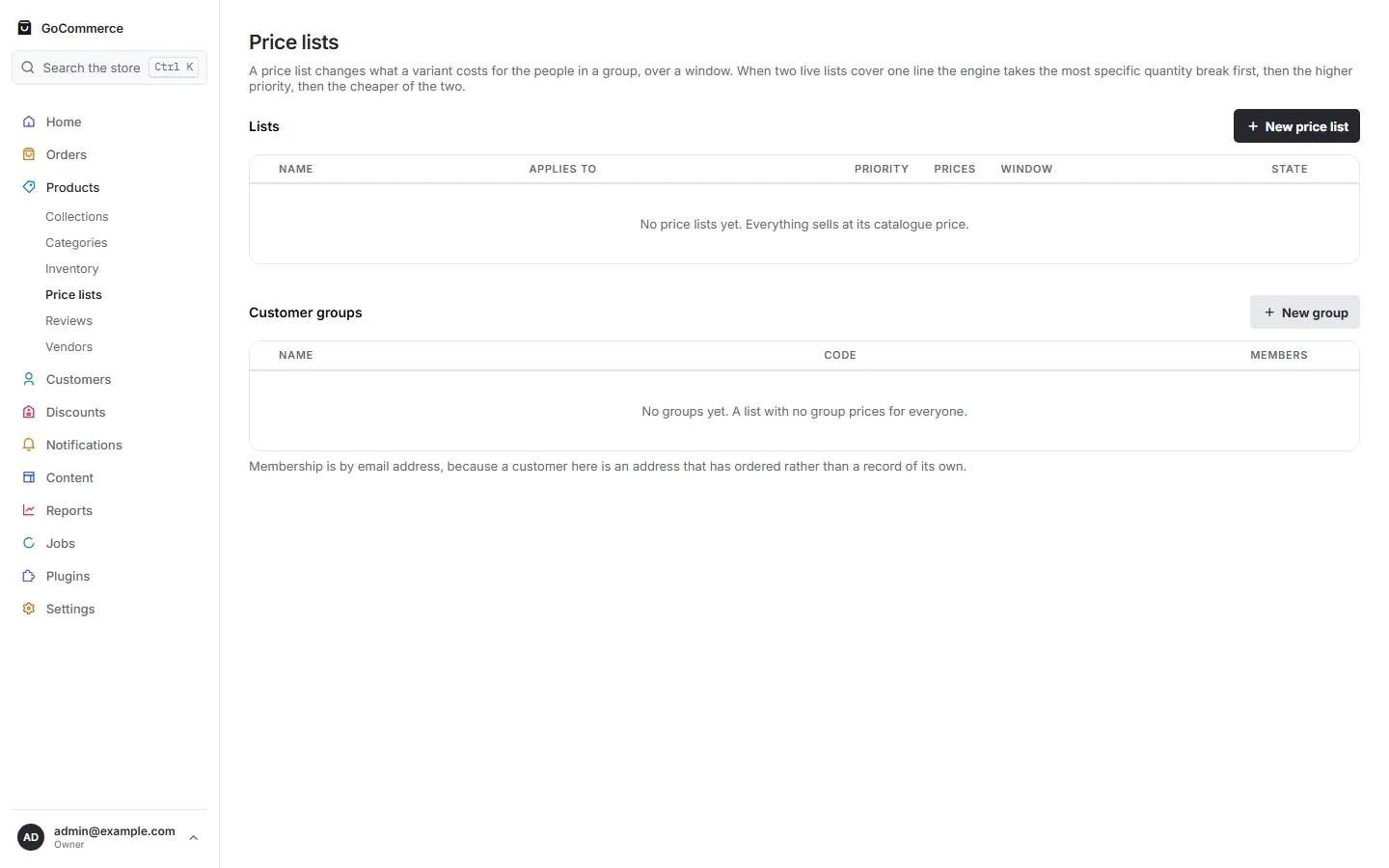
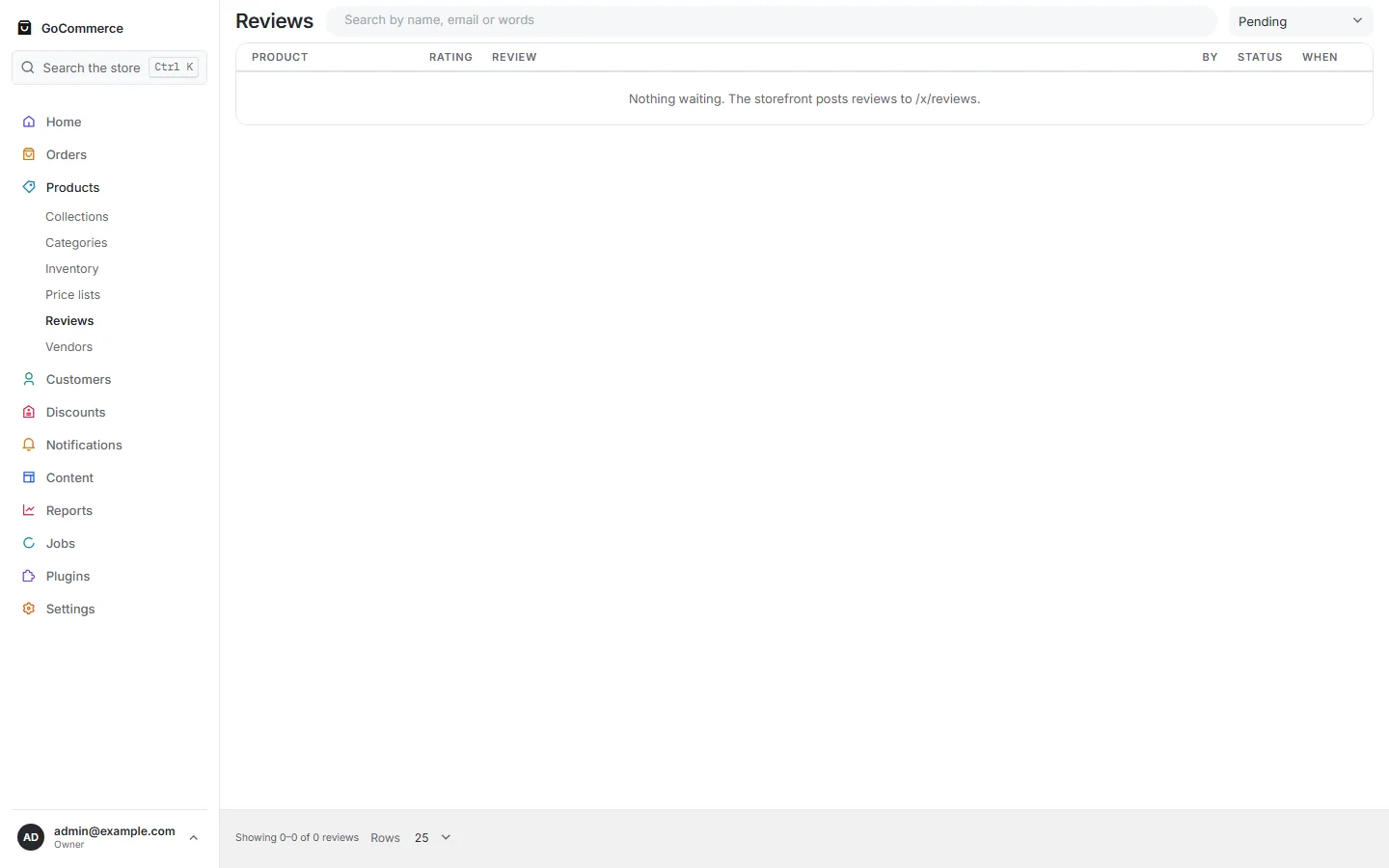
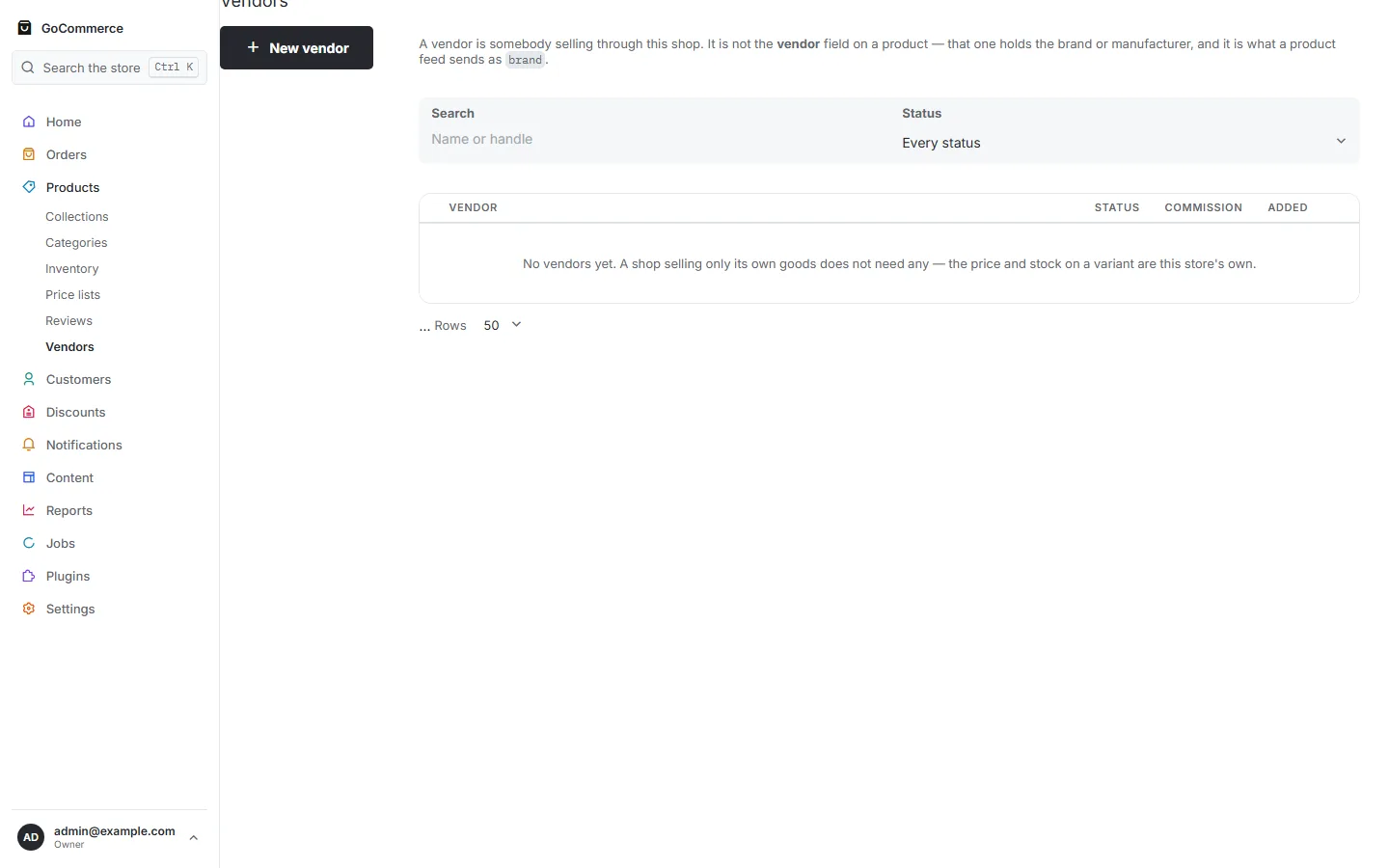
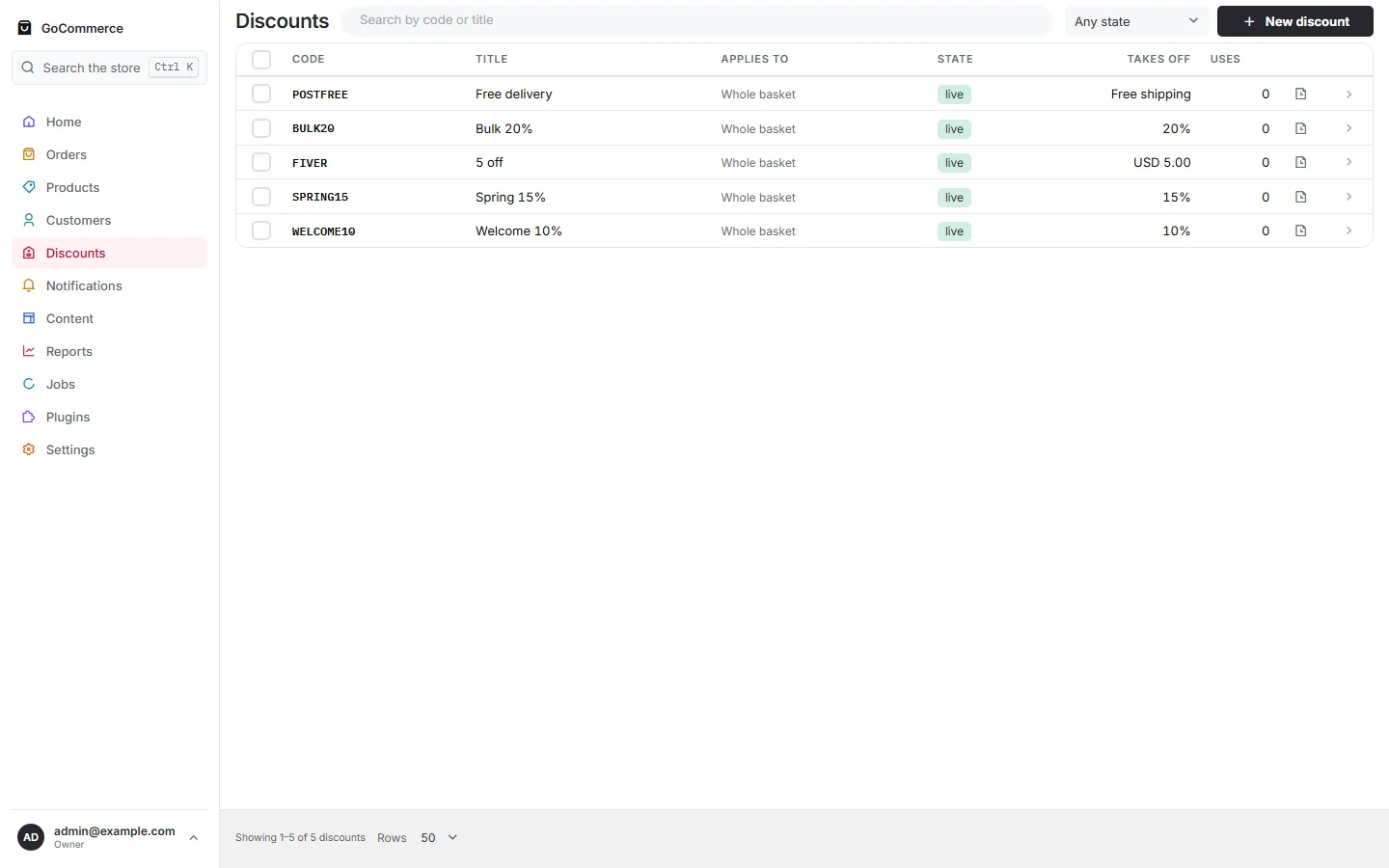
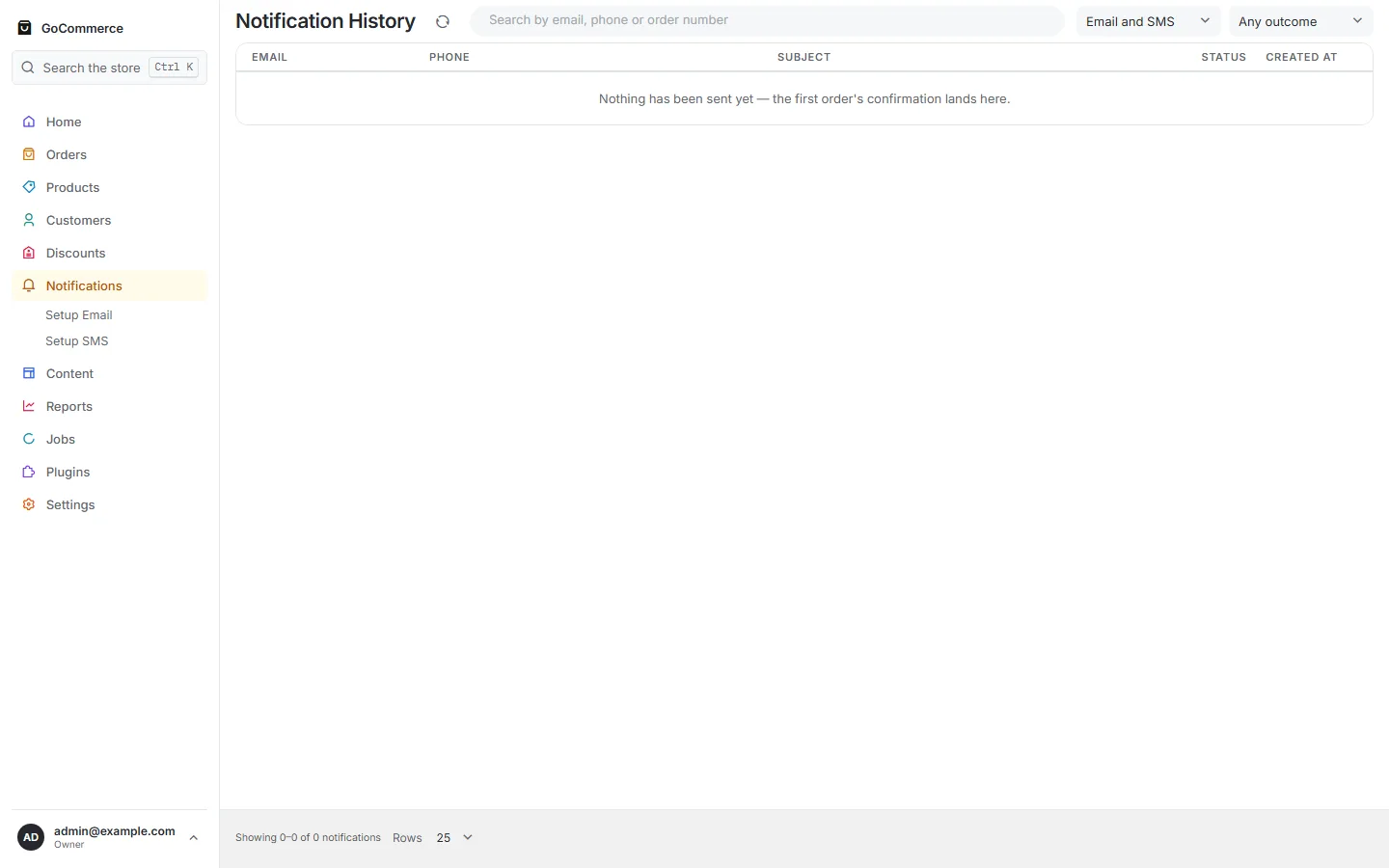
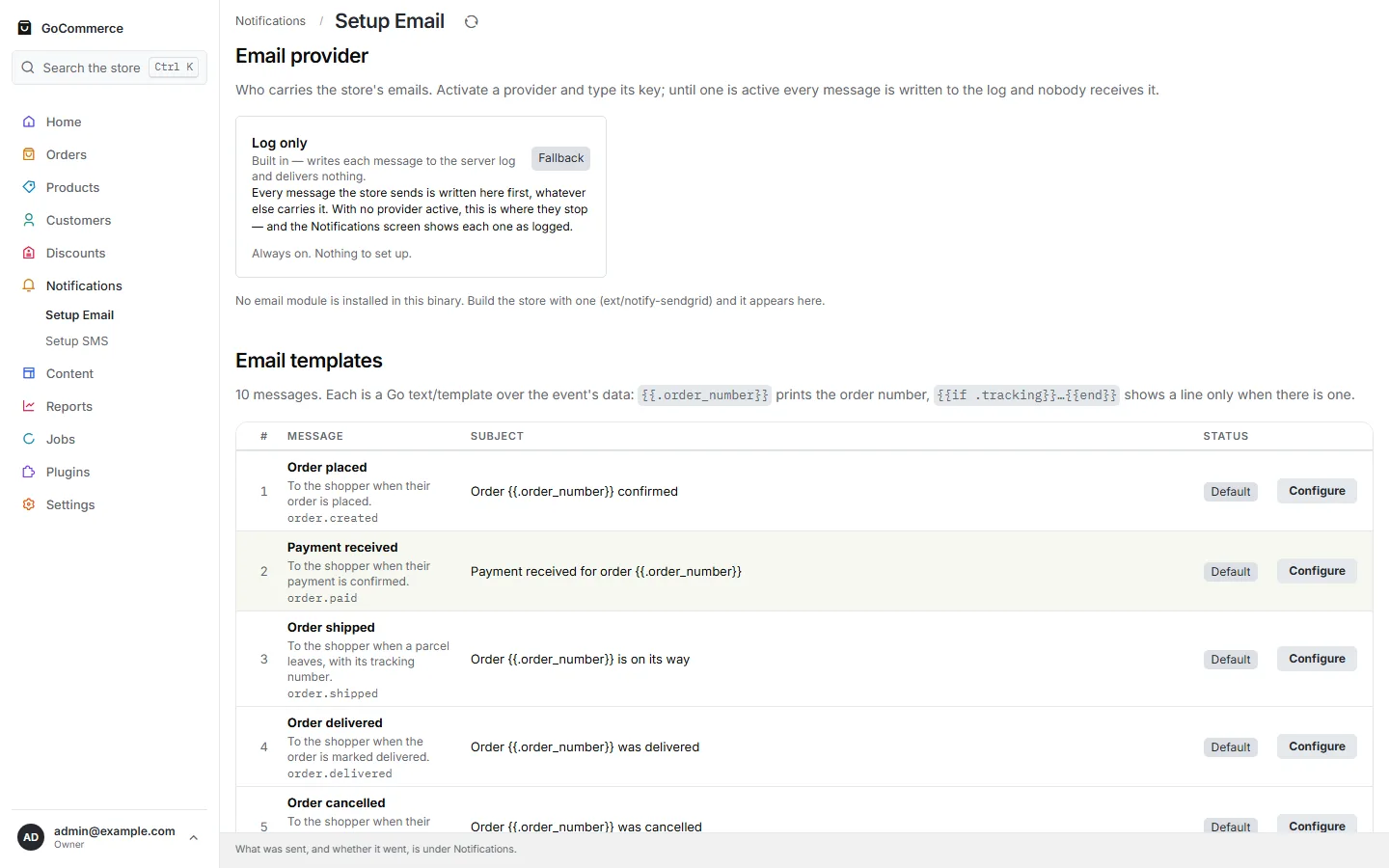
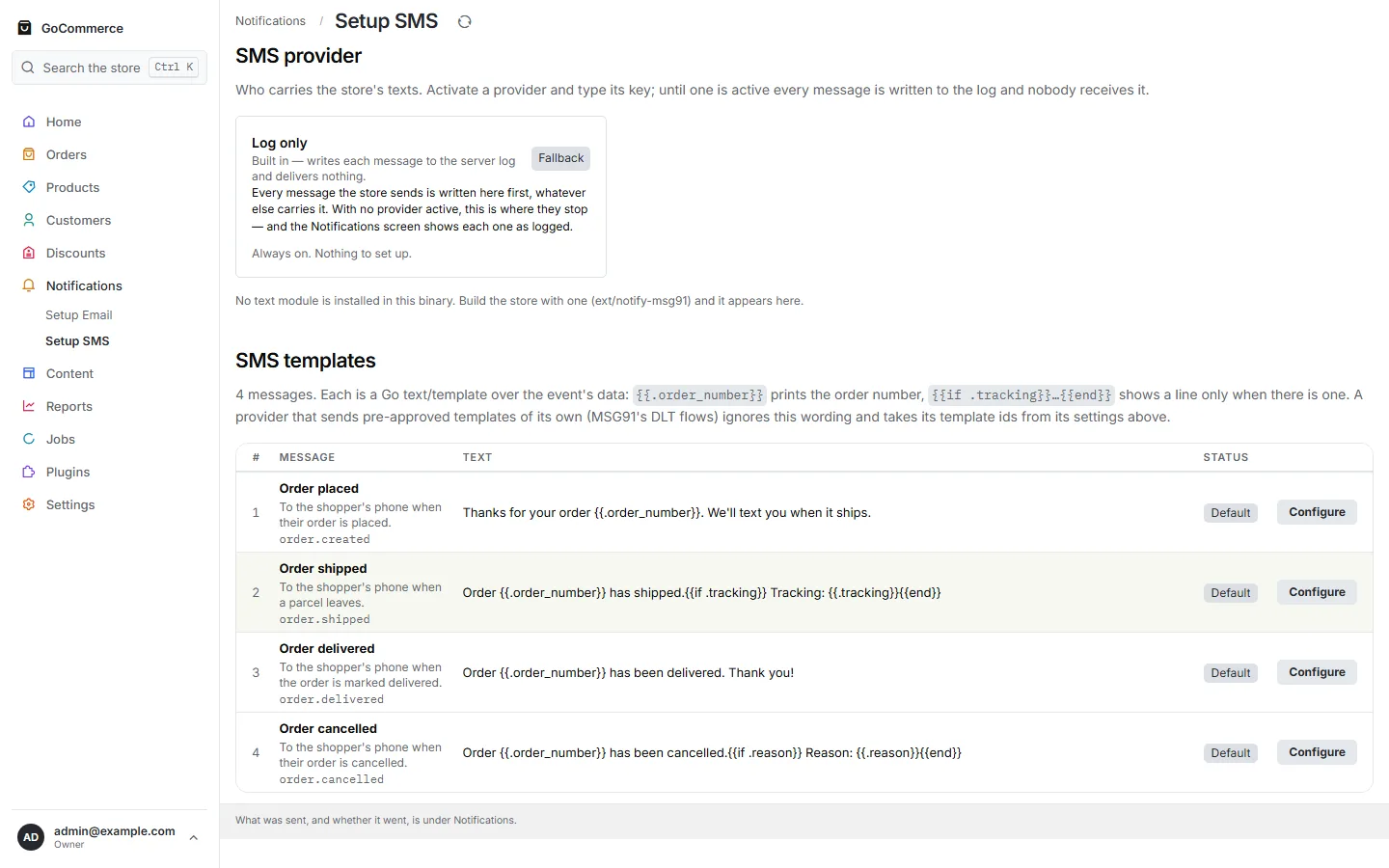
49 screens from one seeded store — 64 products, 260 orders across 150 days, five locations — captured at 1440×900 in both colour schemes. Each caption is the screen’s own heading and first sentence, read from the panel as it was photographed.
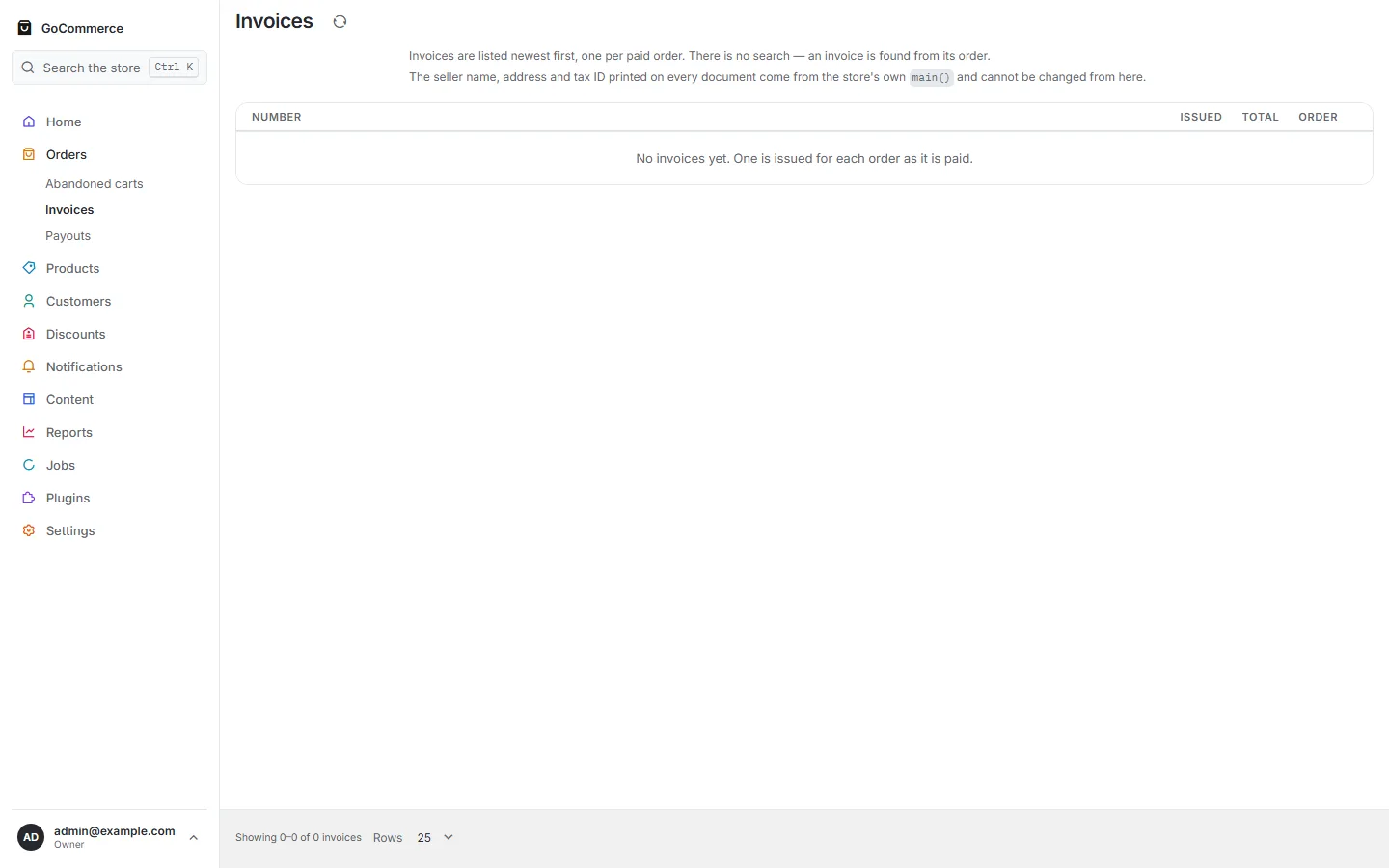
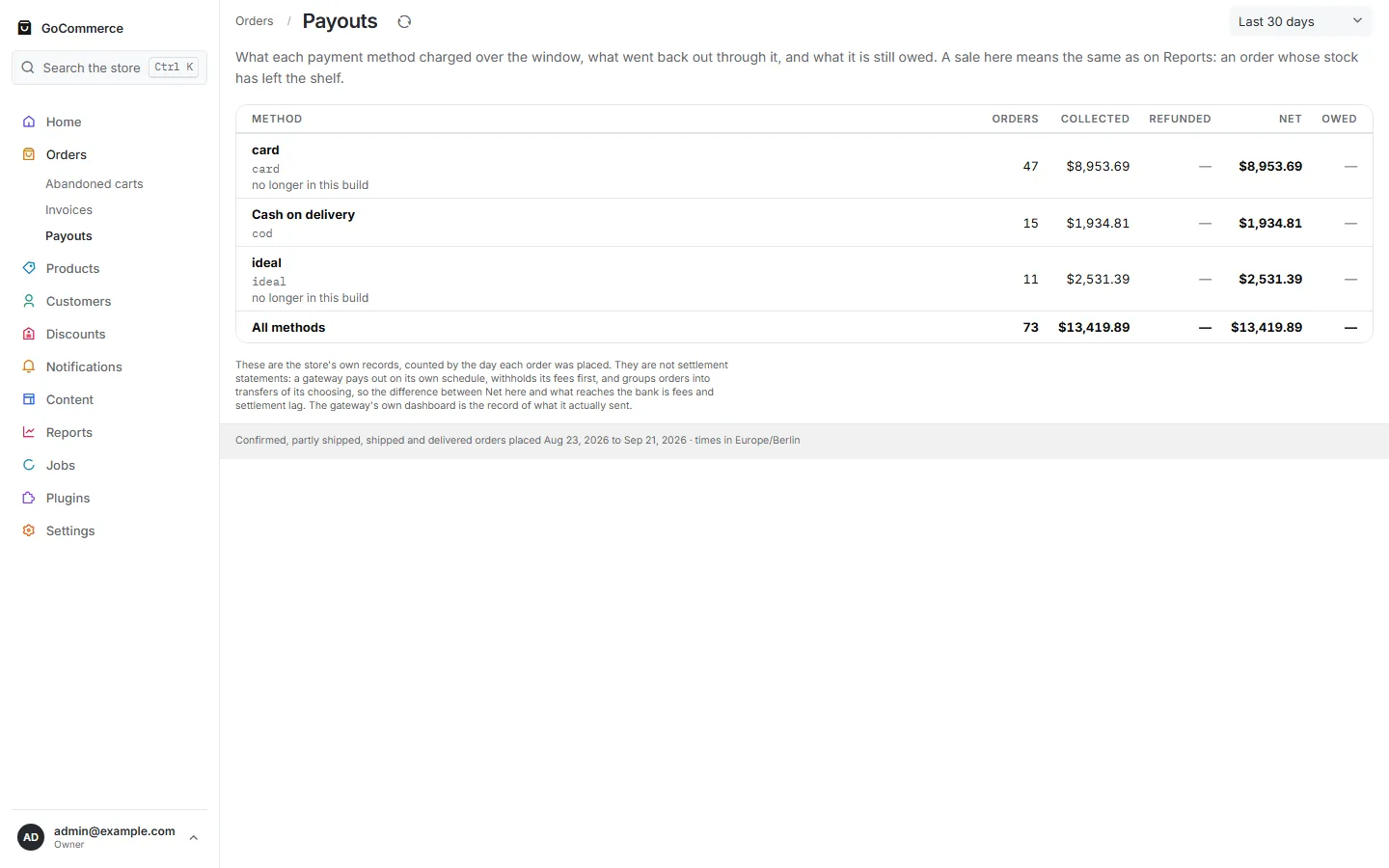
OrdersOpen the file ↗An orderOpen the file ↗Abandoned cartsOpen the file ↗InvoicesOpen the file ↗PayoutsWhat each payment method charged over the window, what went back out through it, and what it is still owed. A sale here means the same as on Reports: an order whose stock has left the shelf.Open the file ↗
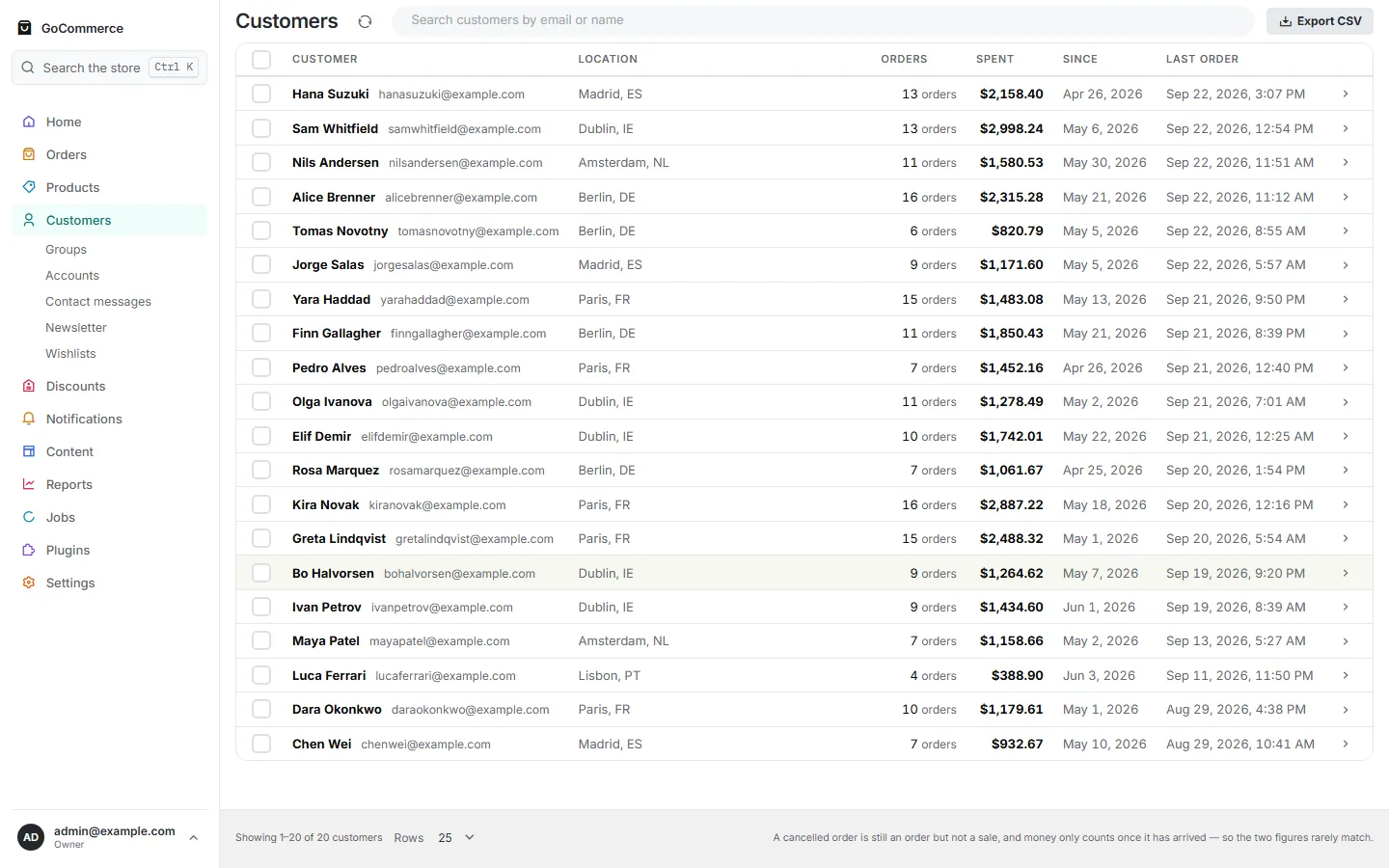
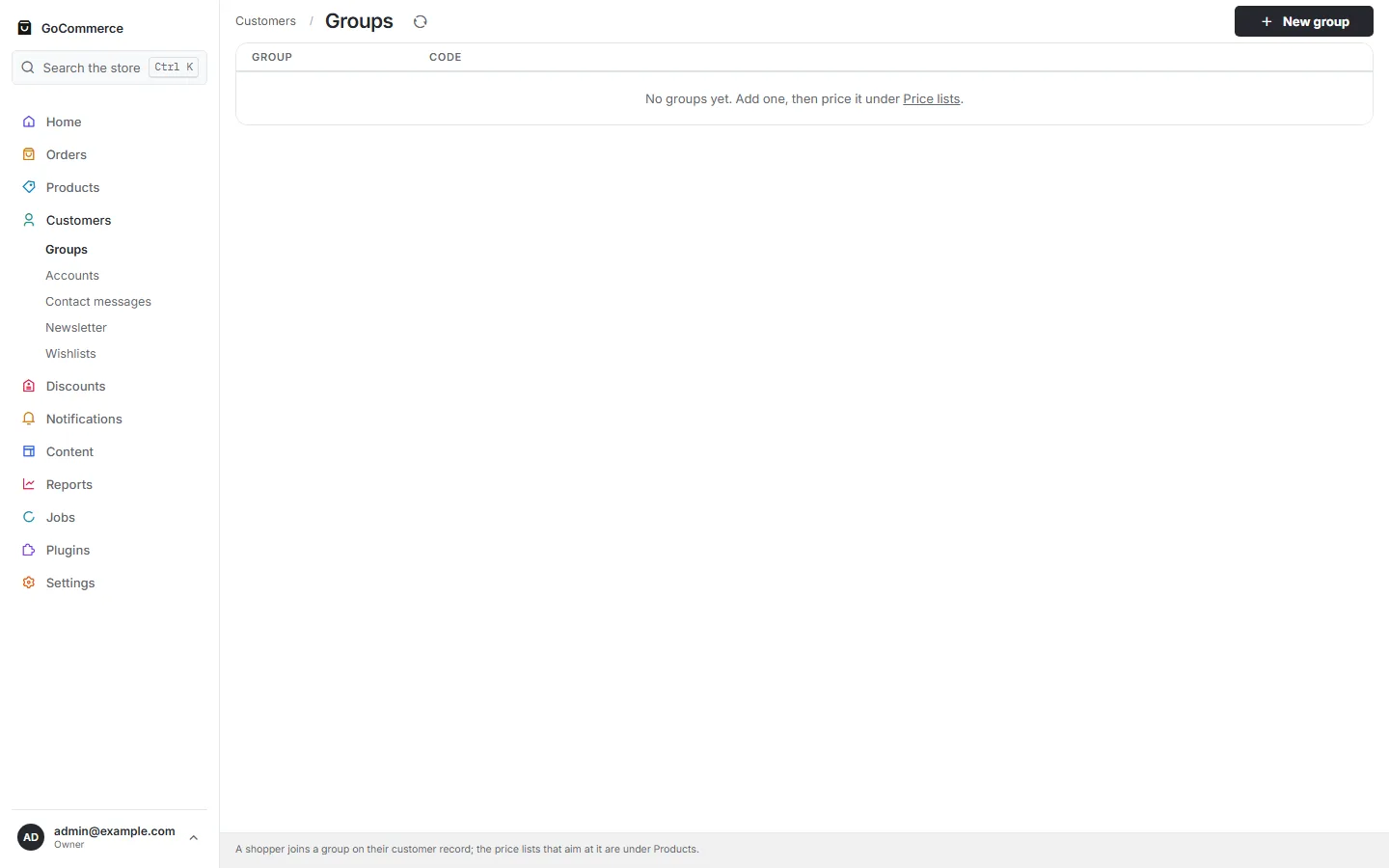
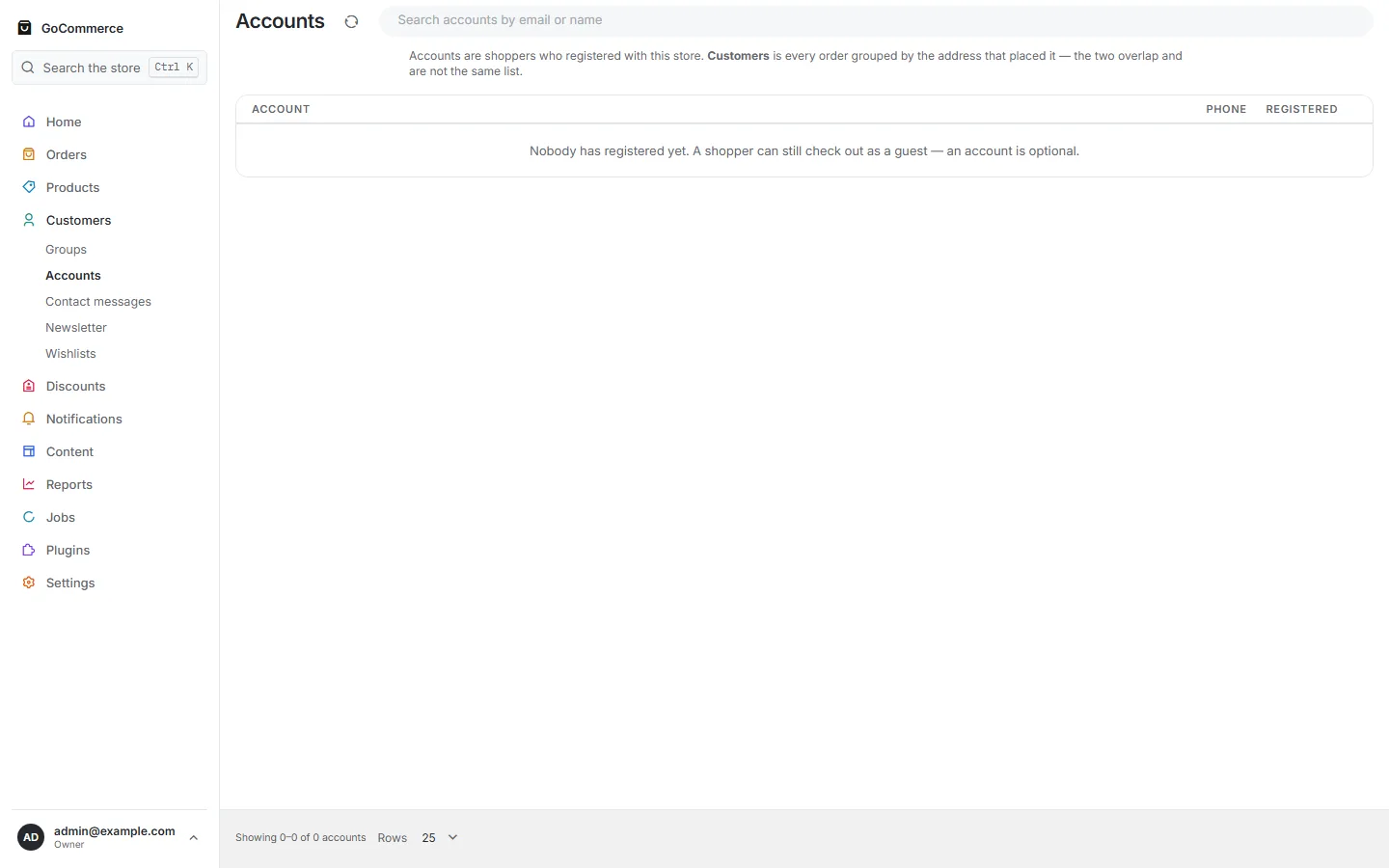
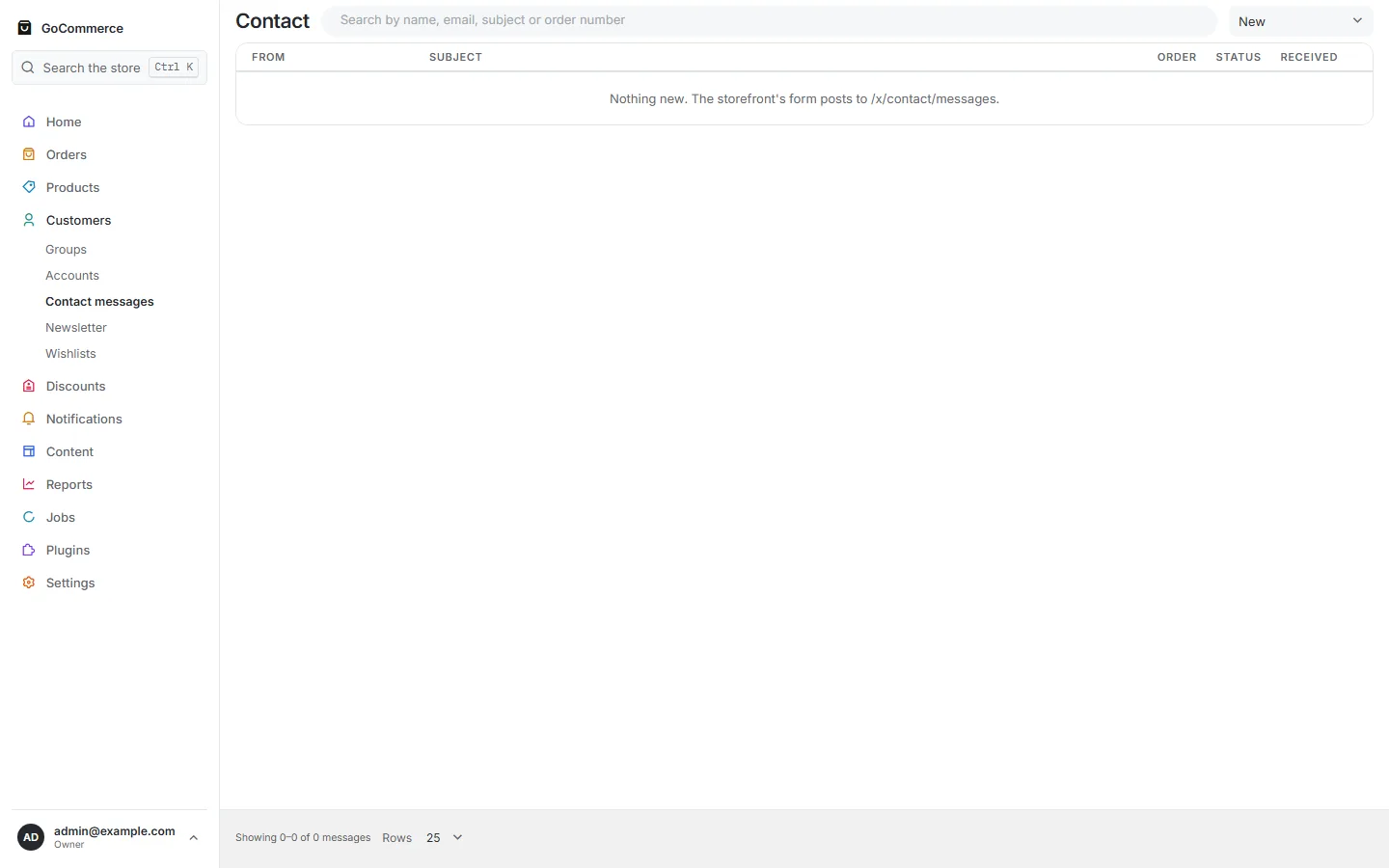
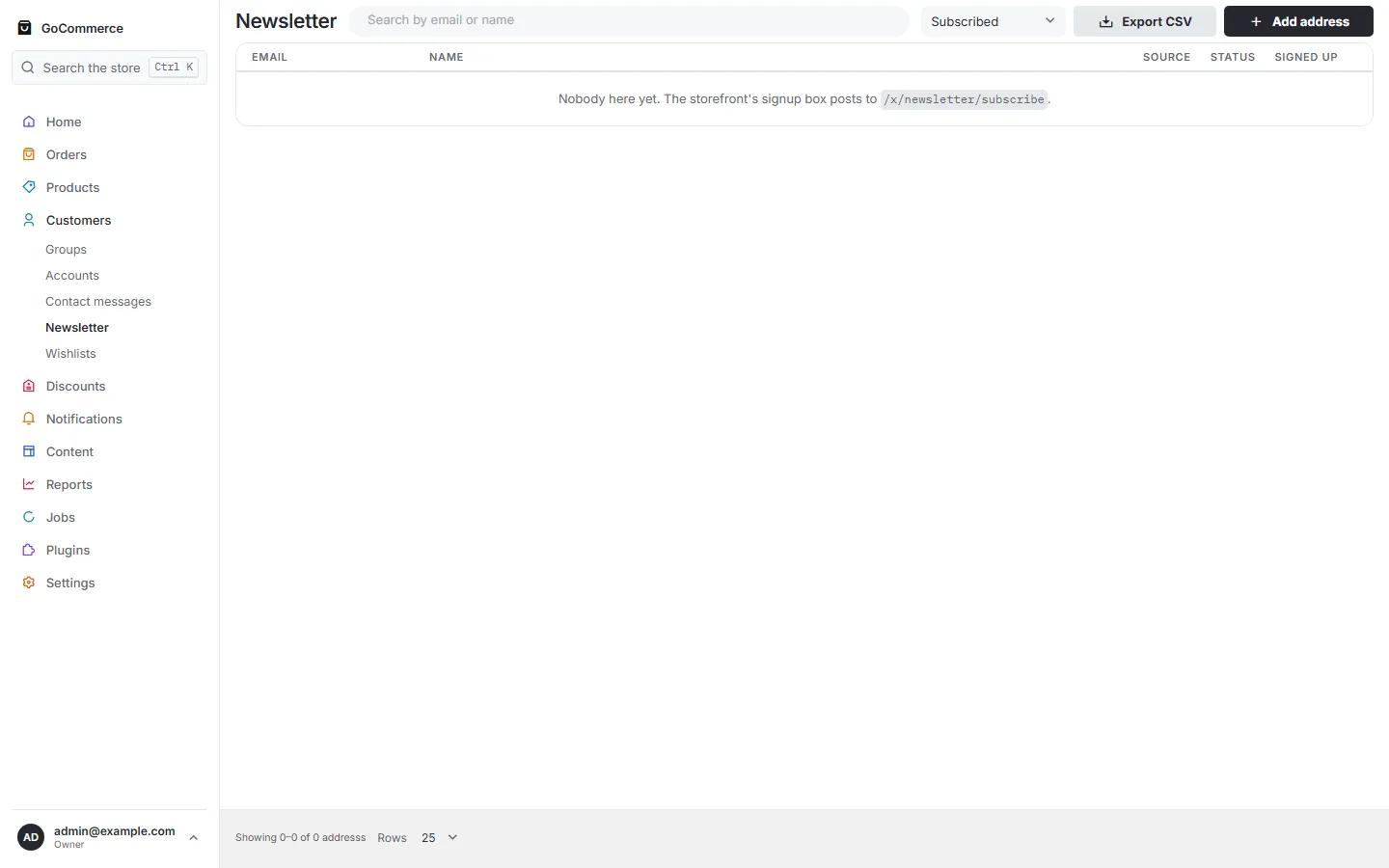
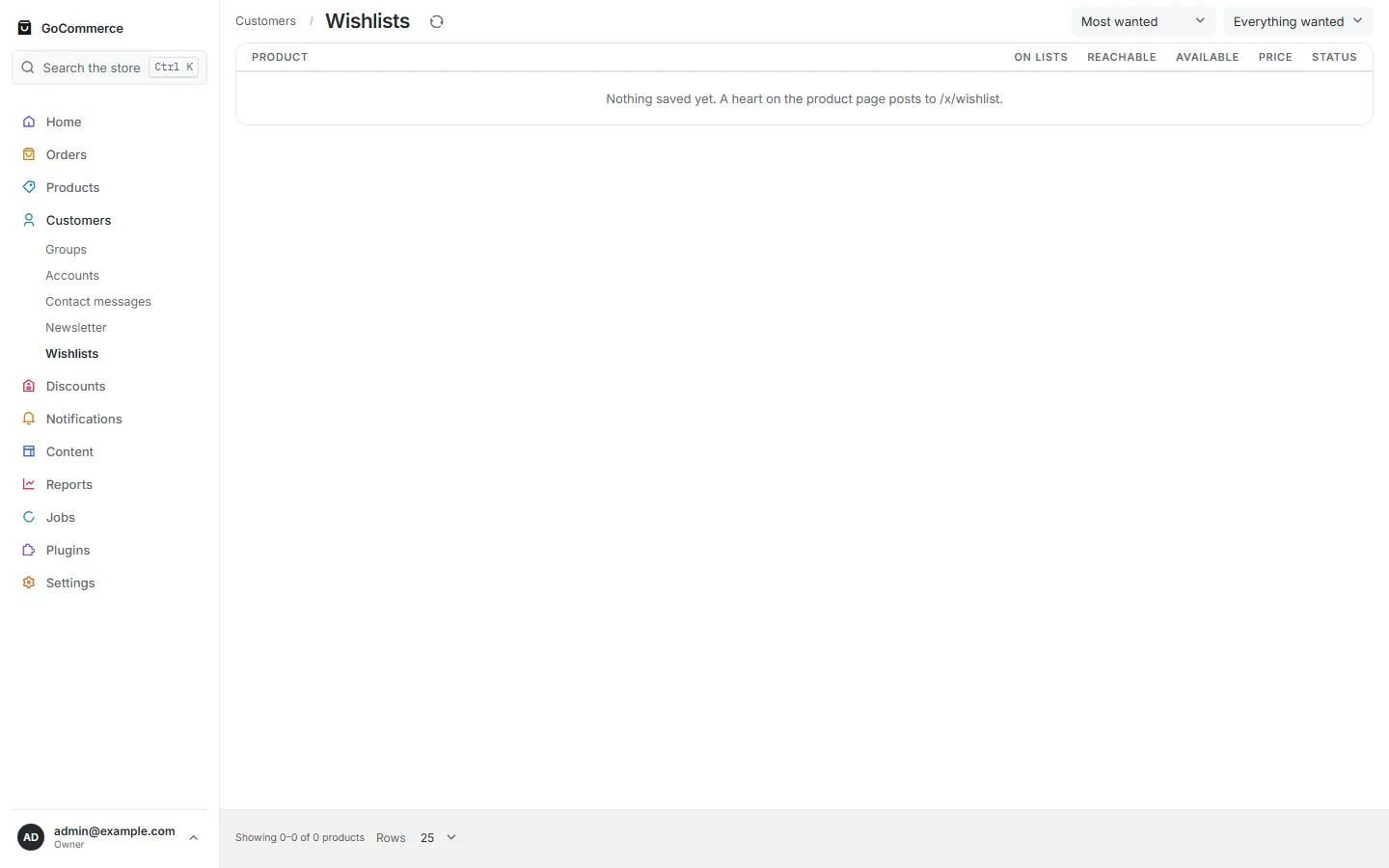
CustomersA cancelled order is still an order but not a sale, and money only counts once it has arrived — so the two figures rarely match.Open the file ↗GroupsA shopper joins a group on their customer record; the price lists that aim at it are under Products.Open the file ↗AccountsOpen the file ↗Contact inboxOpen the file ↗NewsletterOpen the file ↗WishlistsOpen the file ↗
NotificationsOpen the file ↗Setup EmailWho carries the store's emails. Activate a provider and type its key; until one is active every message is written to the log and nobody receives it.Open the file ↗Setup SMSWho carries the store's texts. Activate a provider and type its key; until one is active every message is written to the log and nobody receives it.Open the file ↗
Content 6 screens
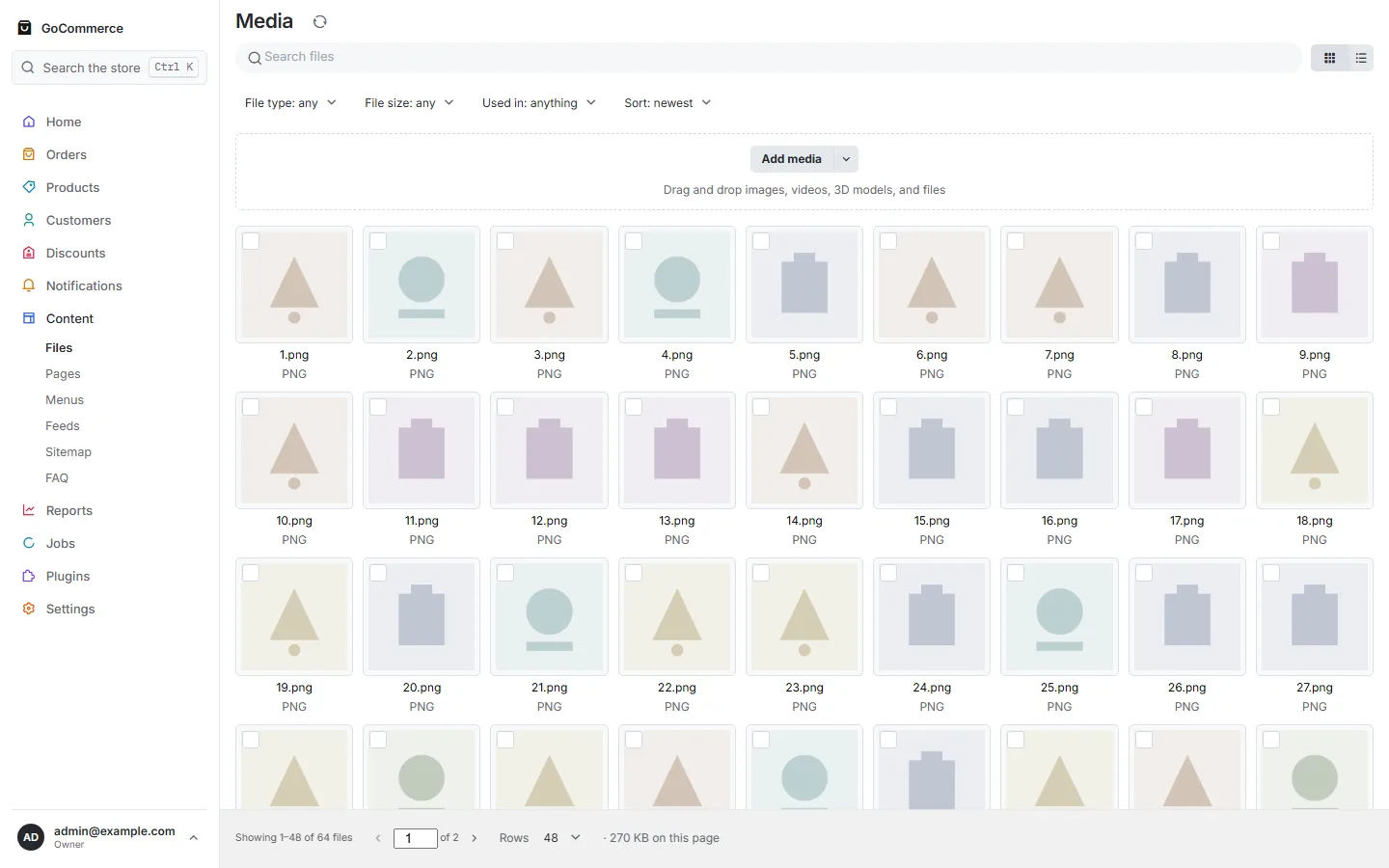
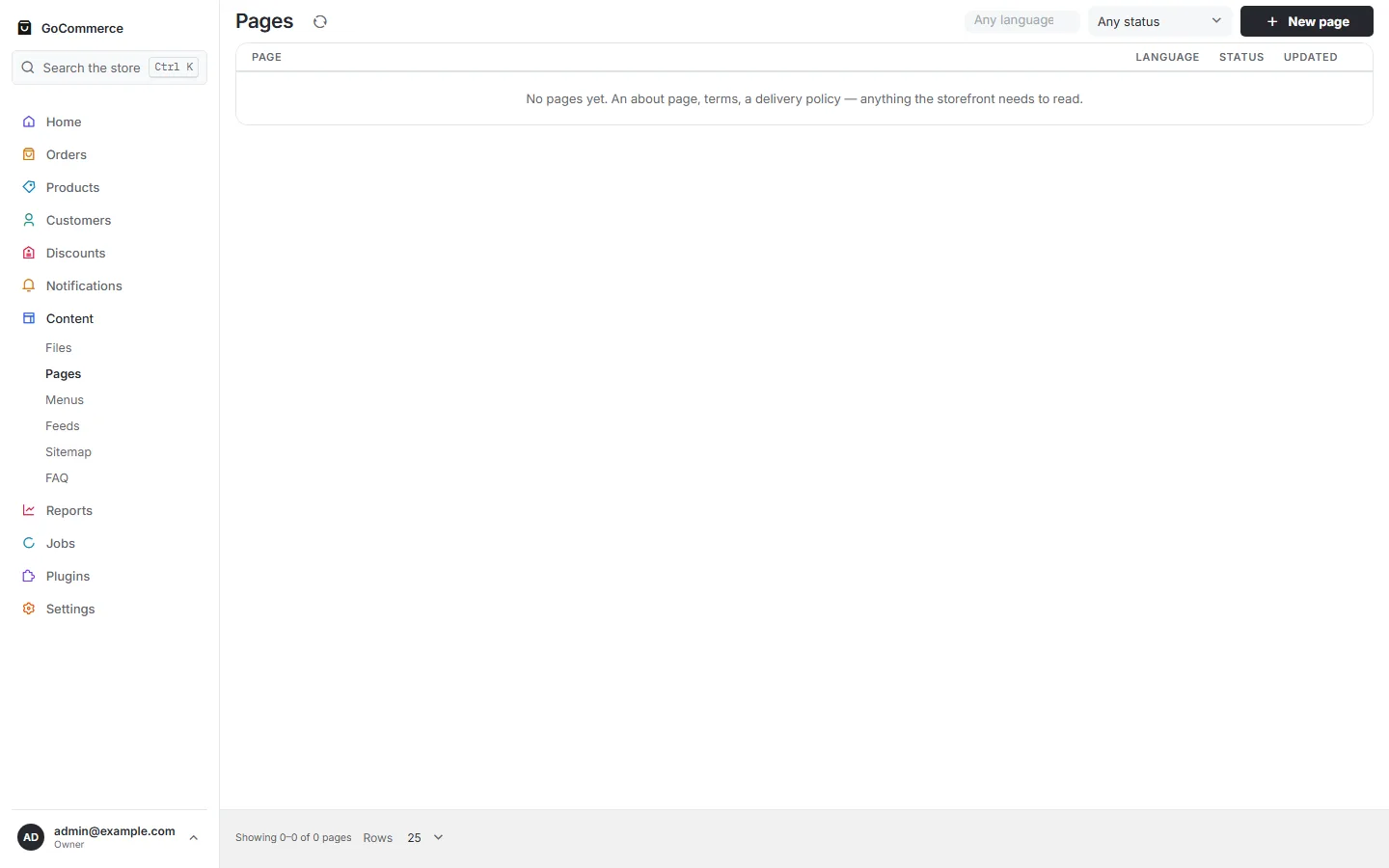
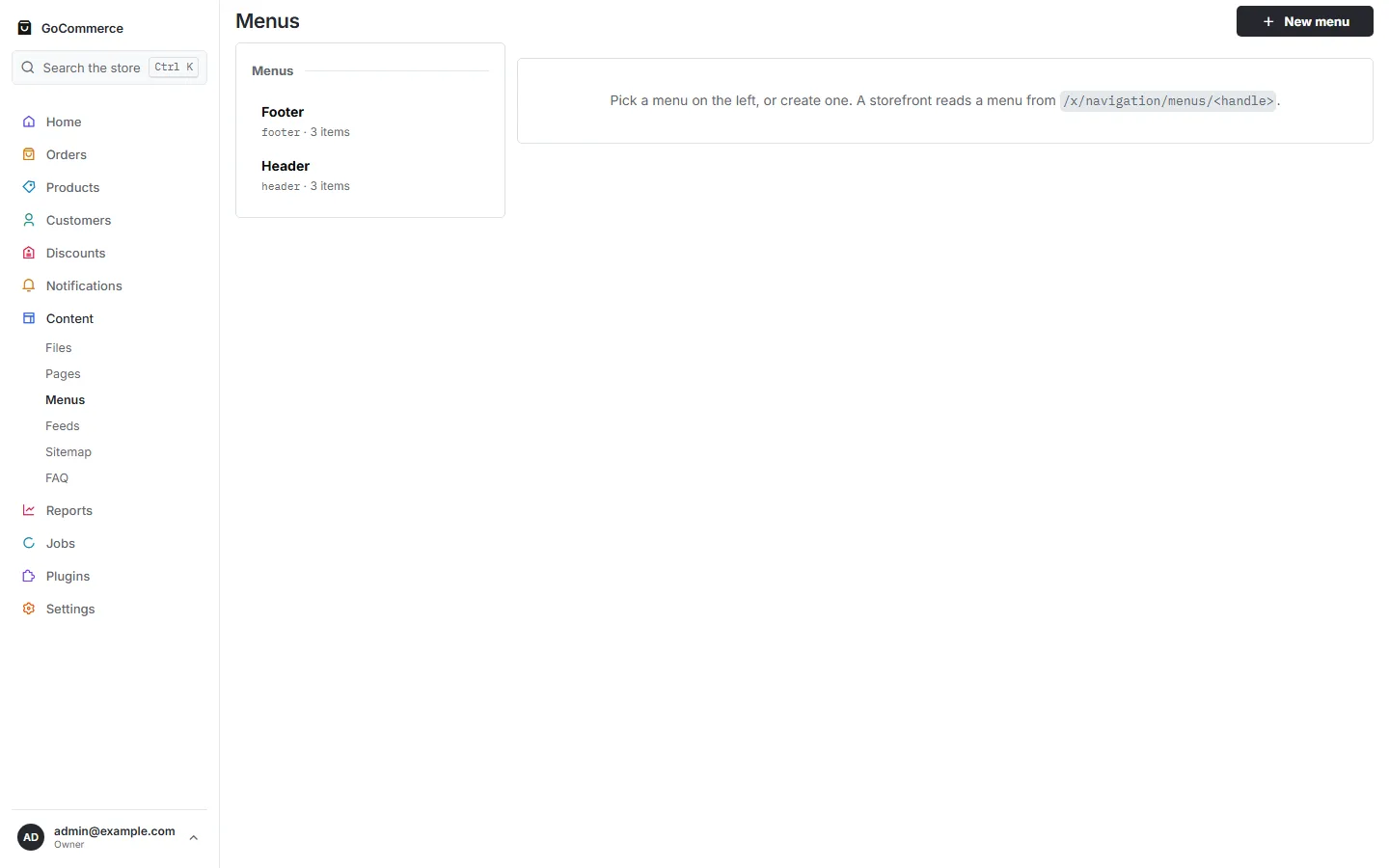
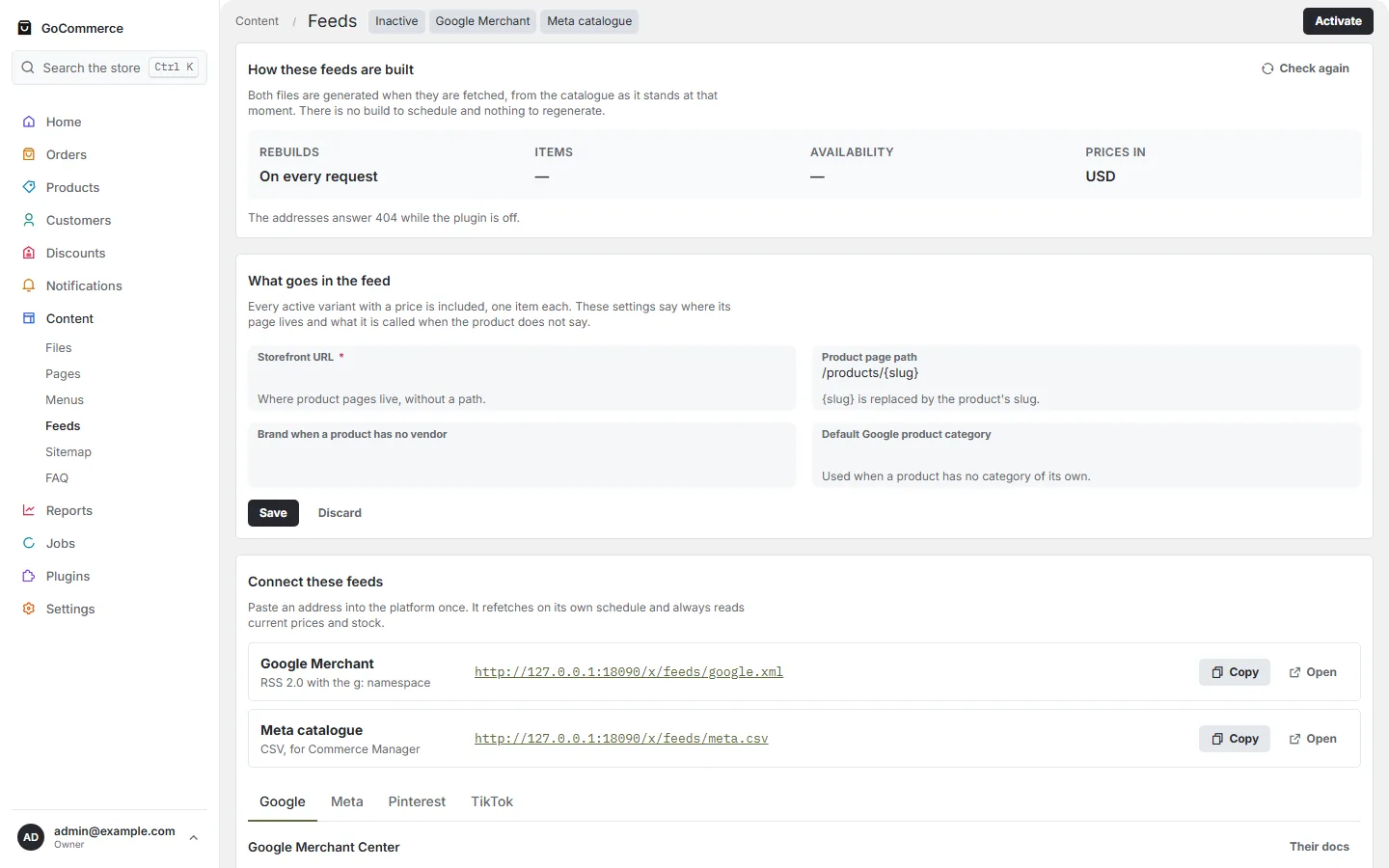
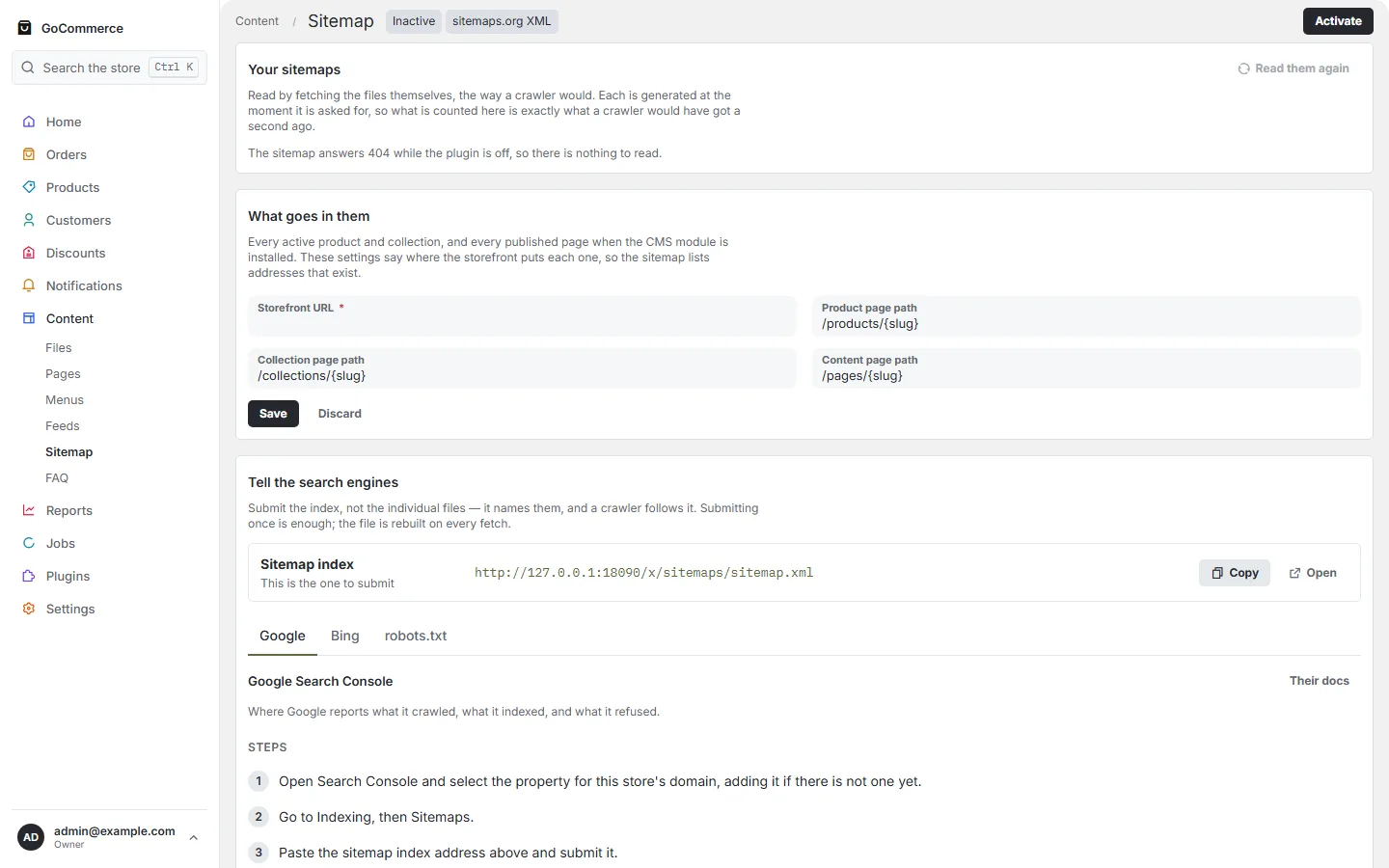
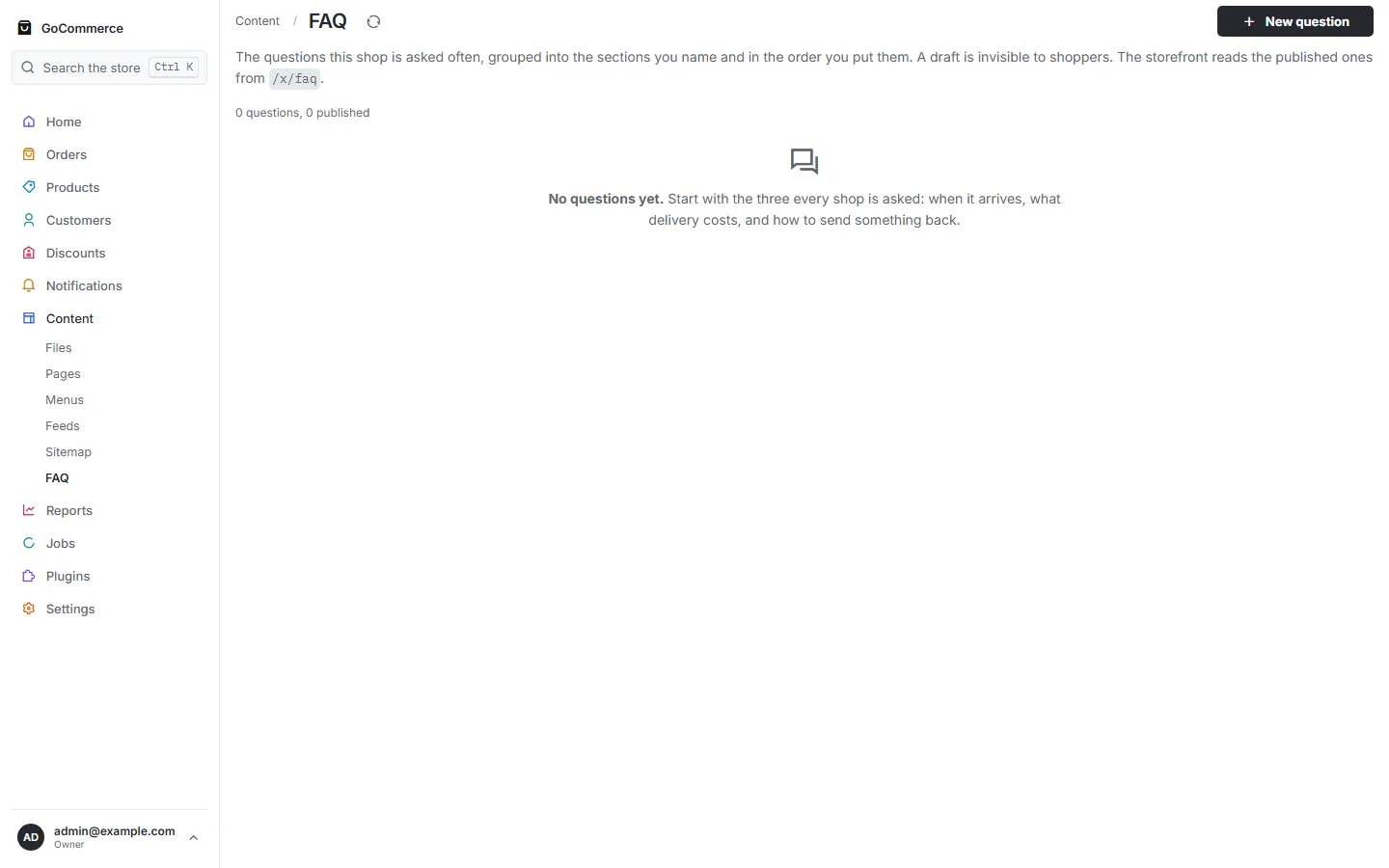
FilesDrag and drop images, videos, 3D models, and filesOpen the file ↗PagesOpen the file ↗MenusPick a menu on the left, or create one. A storefront reads a menu from /x/navigation/menus/<handle>.Open the file ↗Product feedsBoth files are generated when they are fetched, from the catalogue as it stands at that moment. There is no build to schedule and nothing to regenerate.Open the file ↗SitemapRead by fetching the files themselves, the way a crawler would. Each is generated at the moment it is asked for, so what is counted here is exactly what a crawler would have got a second ago.Open the file ↗FAQThe questions this shop is asked often, grouped into the sections you name and in the order you put them. A draft is invisible to shoppers. The storefront reads the published ones from /x/faq.Open the file ↗
Reports 1 screen
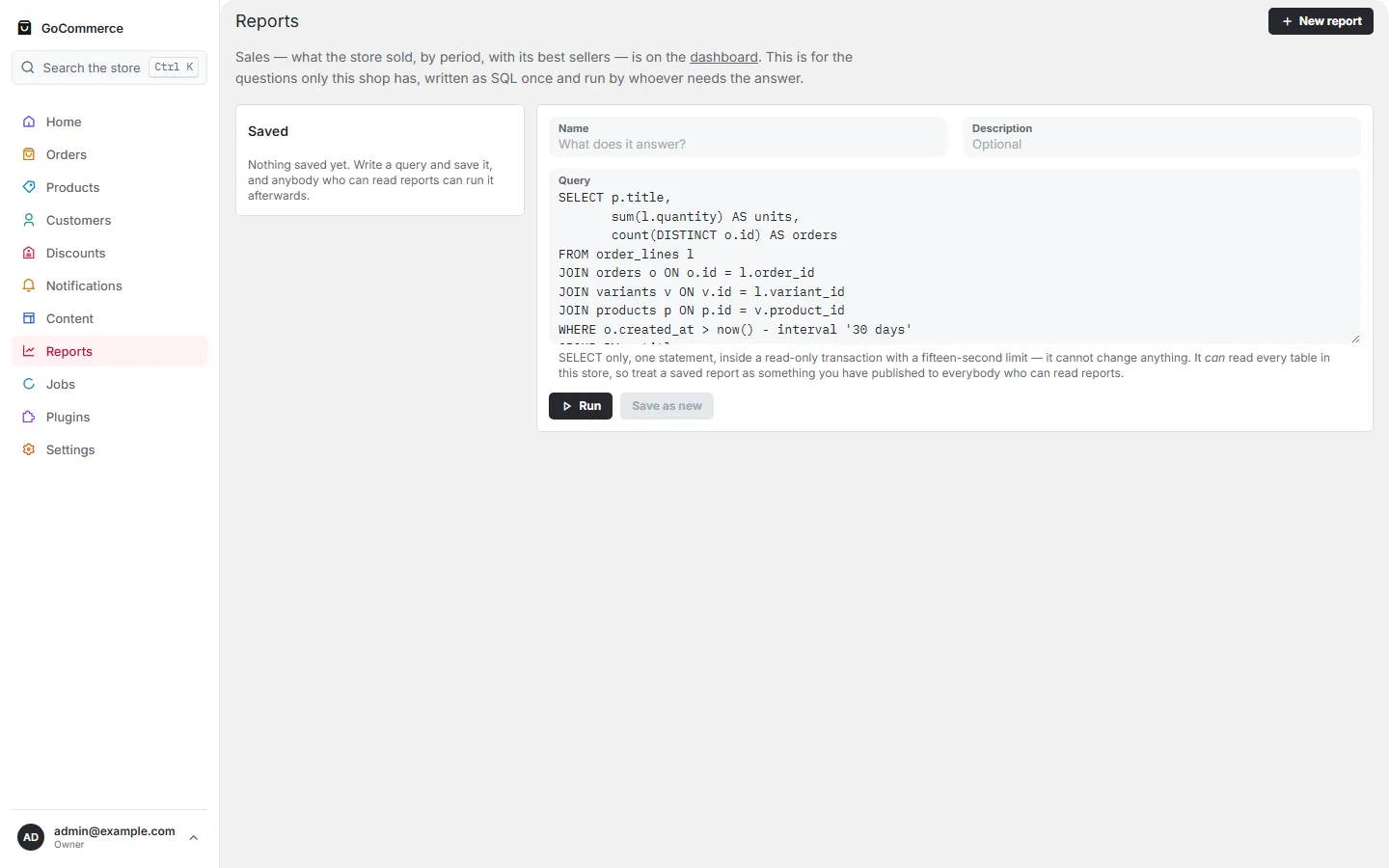
ReportsSales — what the store sold, by period, with its best sellers — is on the dashboard. This is for the questions only this shop has, written as SQL once and run by whoever needs the answer.Open the file ↗
Jobs 1 screen
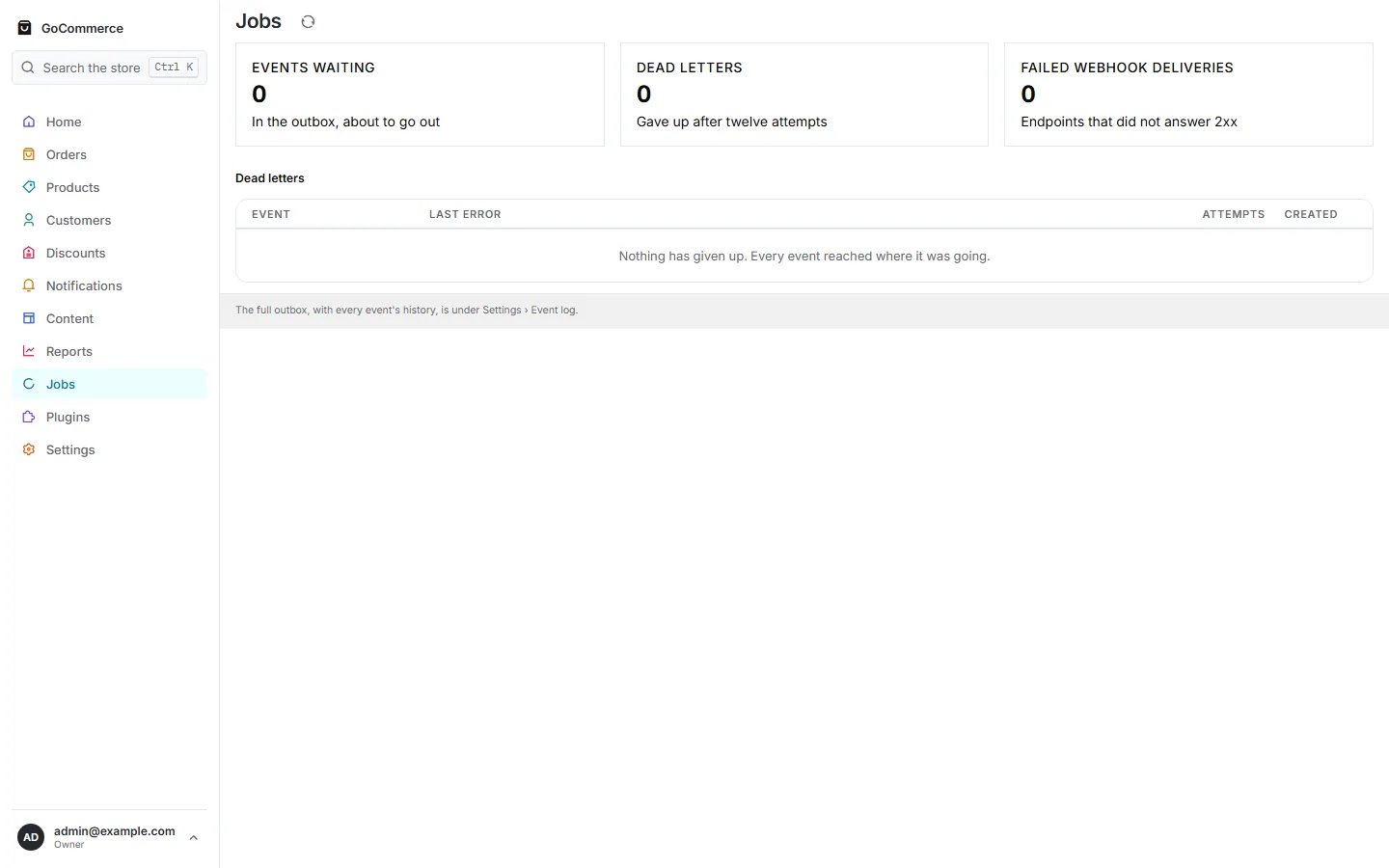
JobsThe full outbox, with every event's history, is under Settings › Event log.Open the file ↗
Settings 17 screens
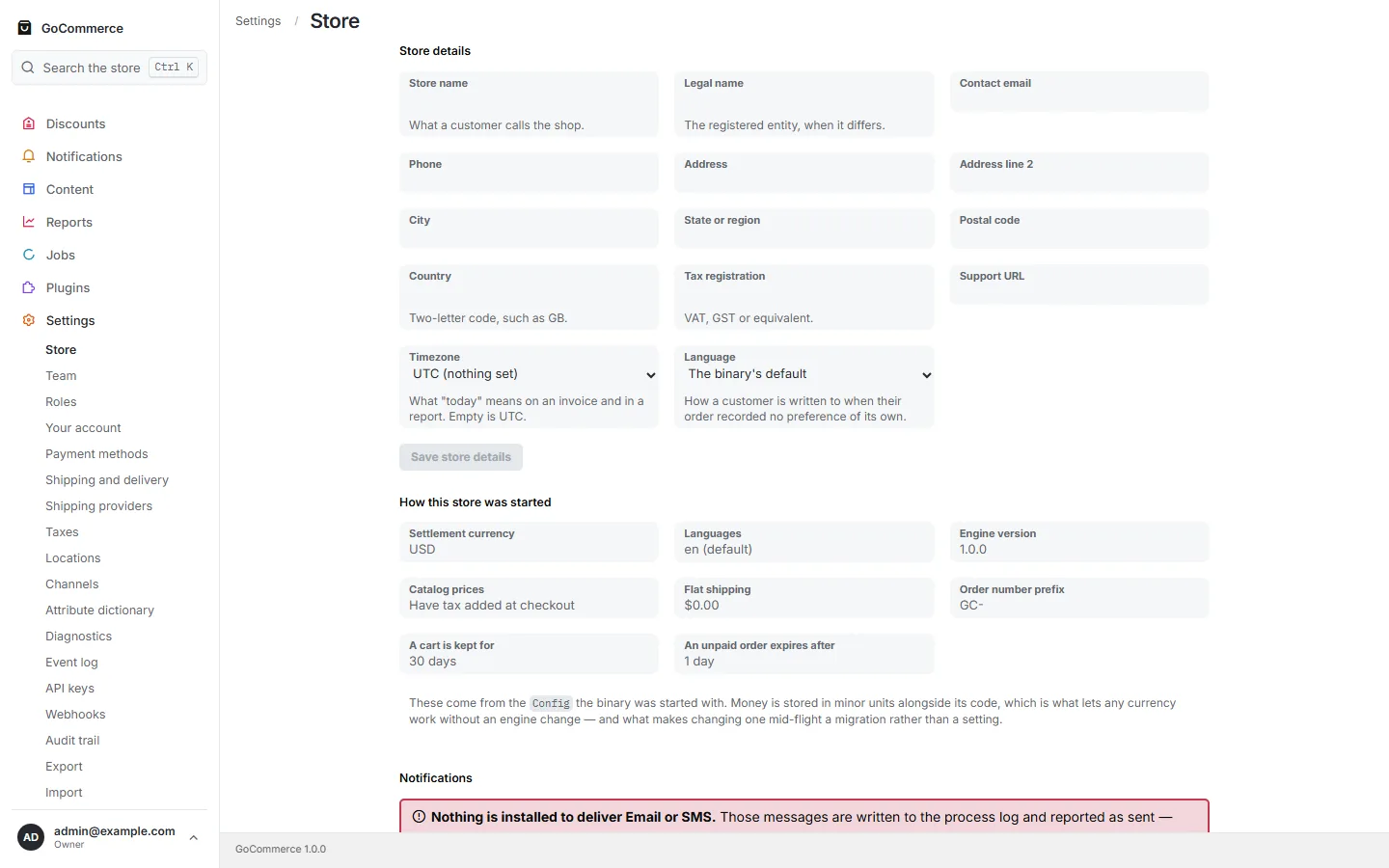
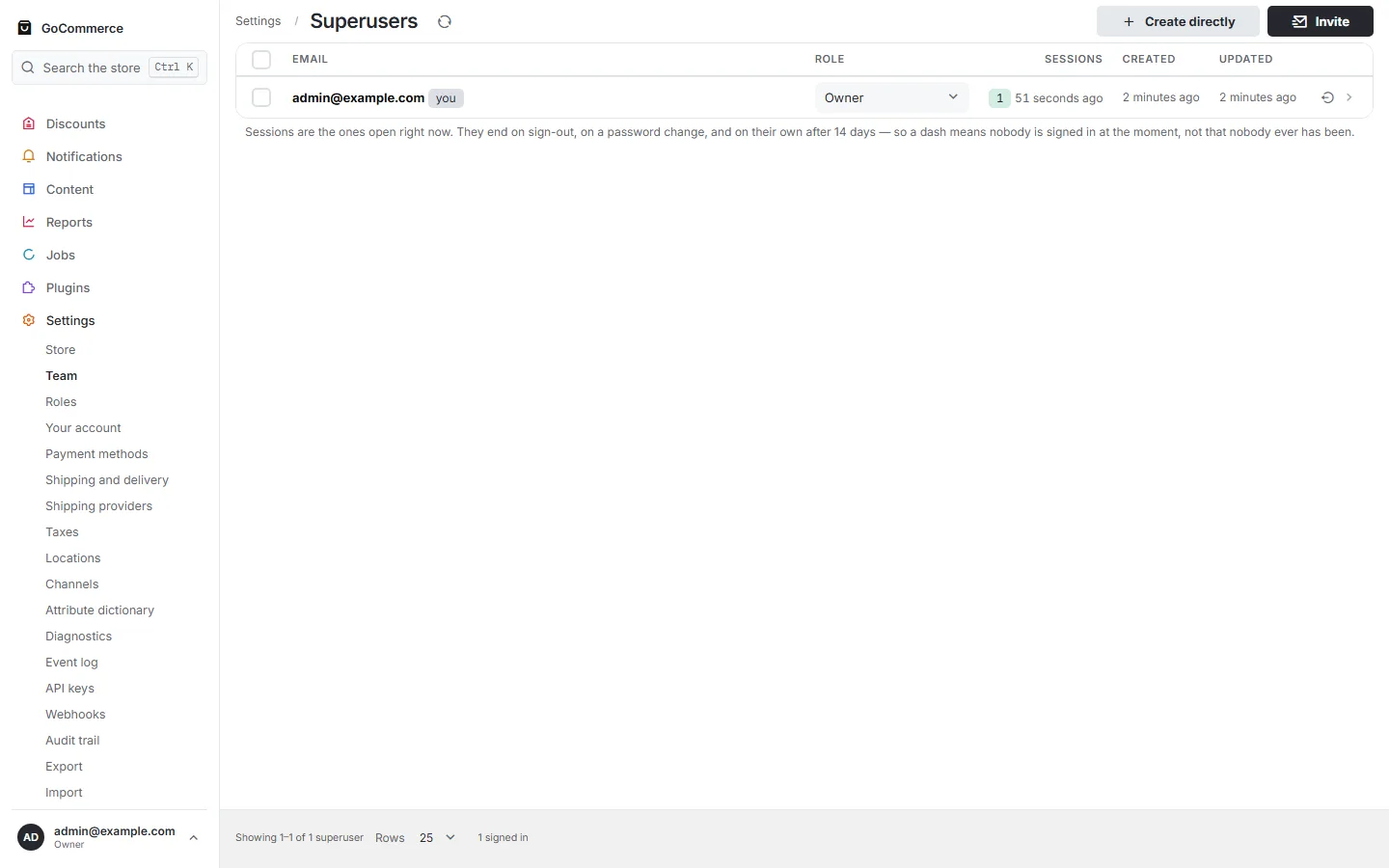
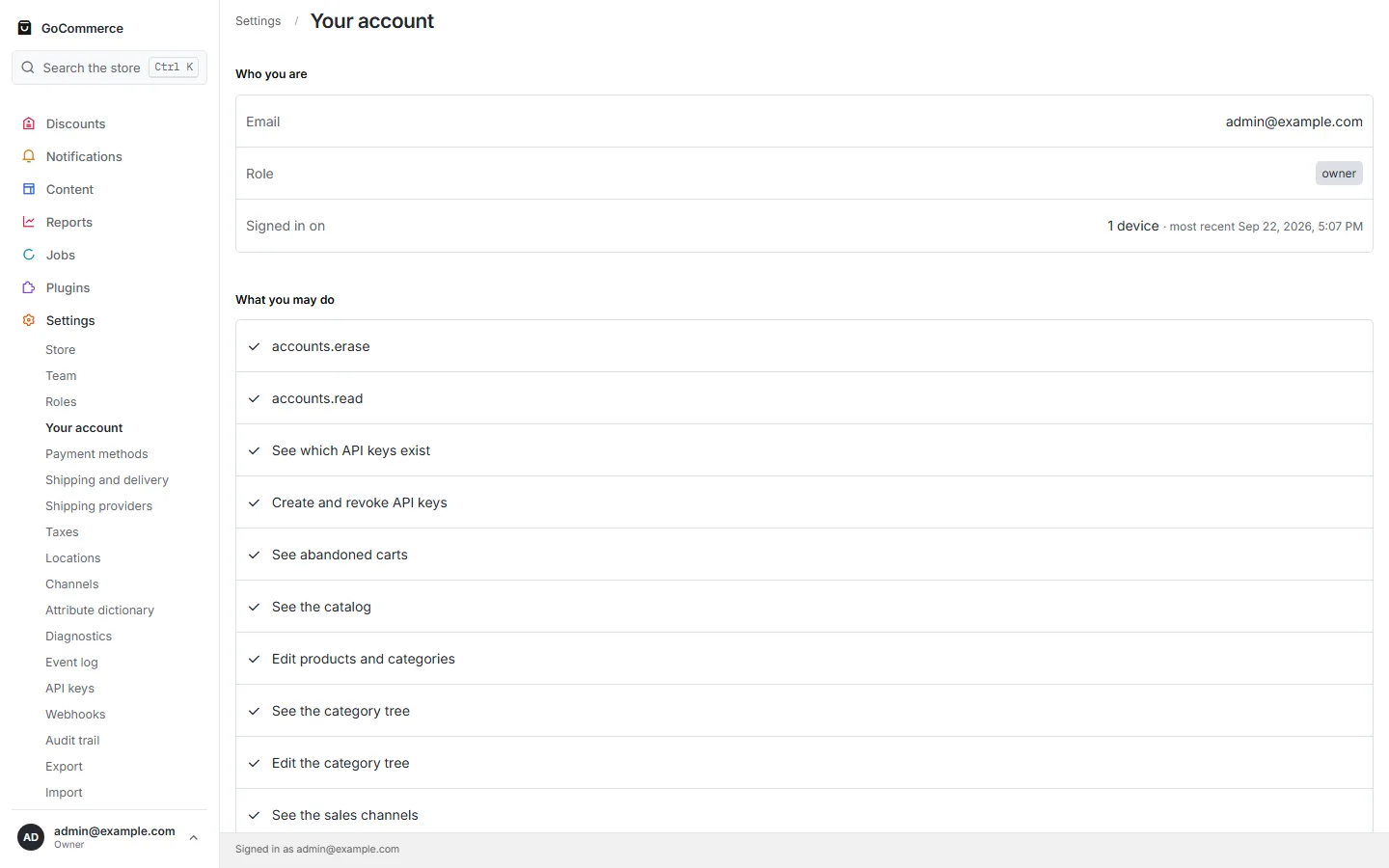
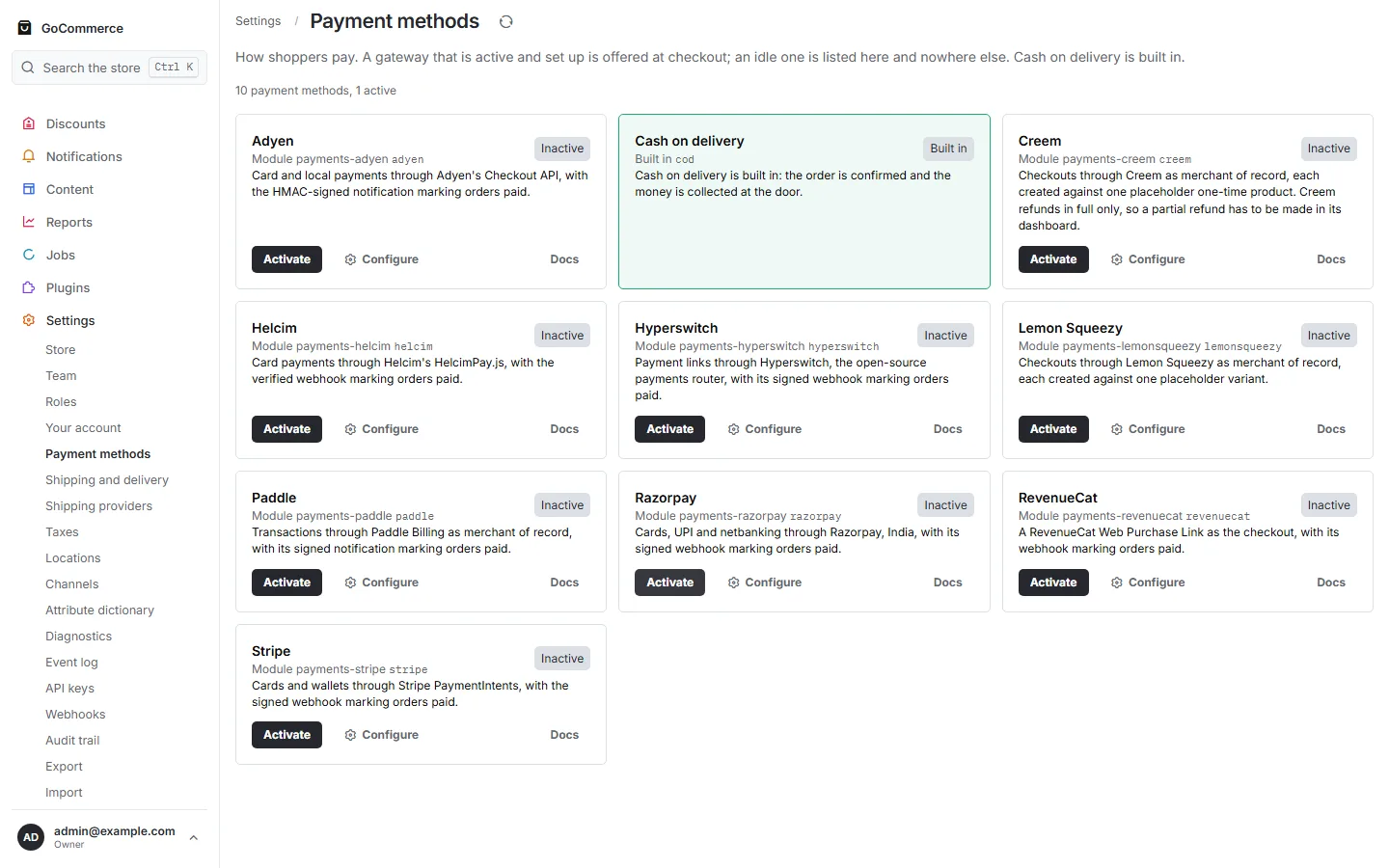
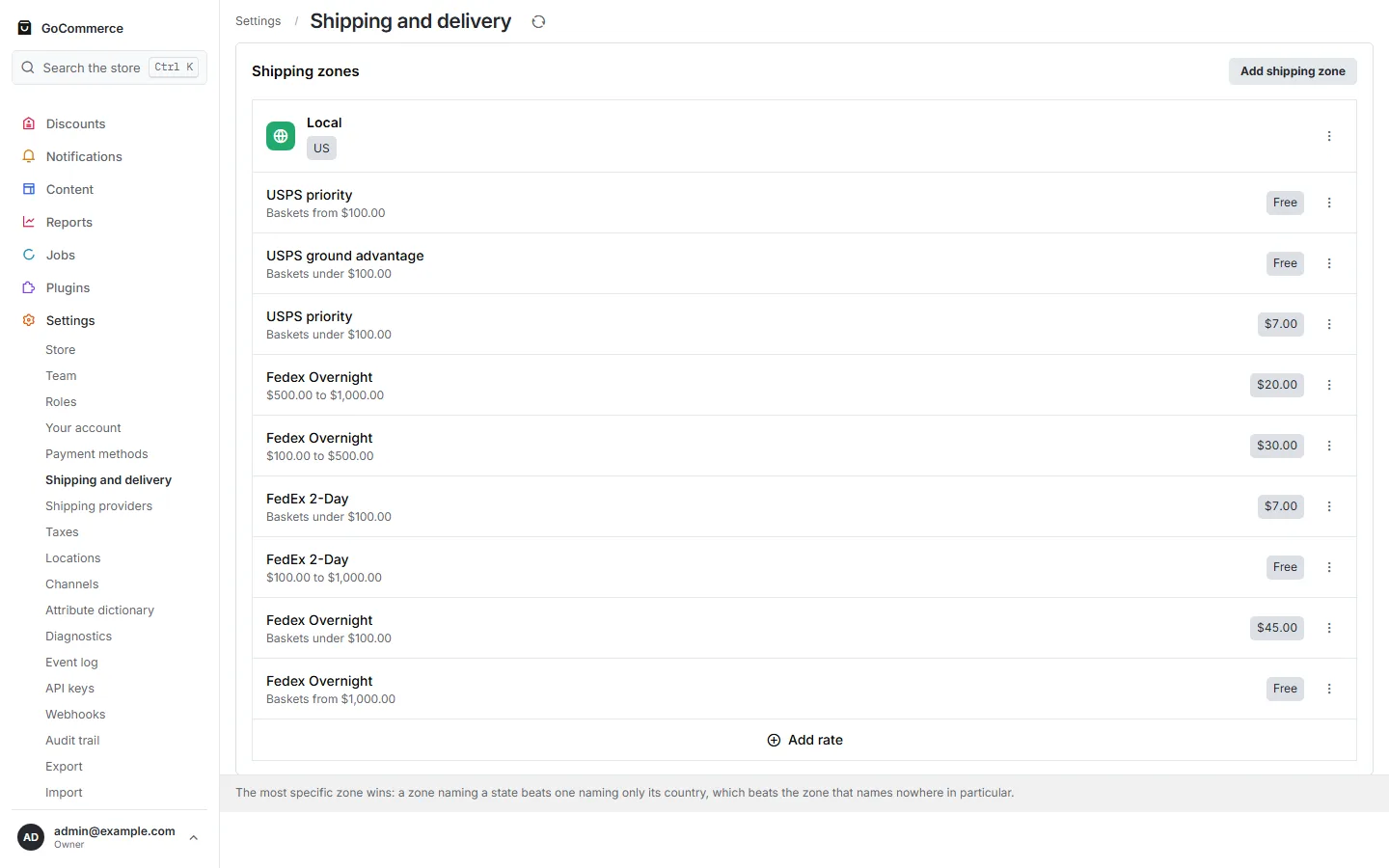
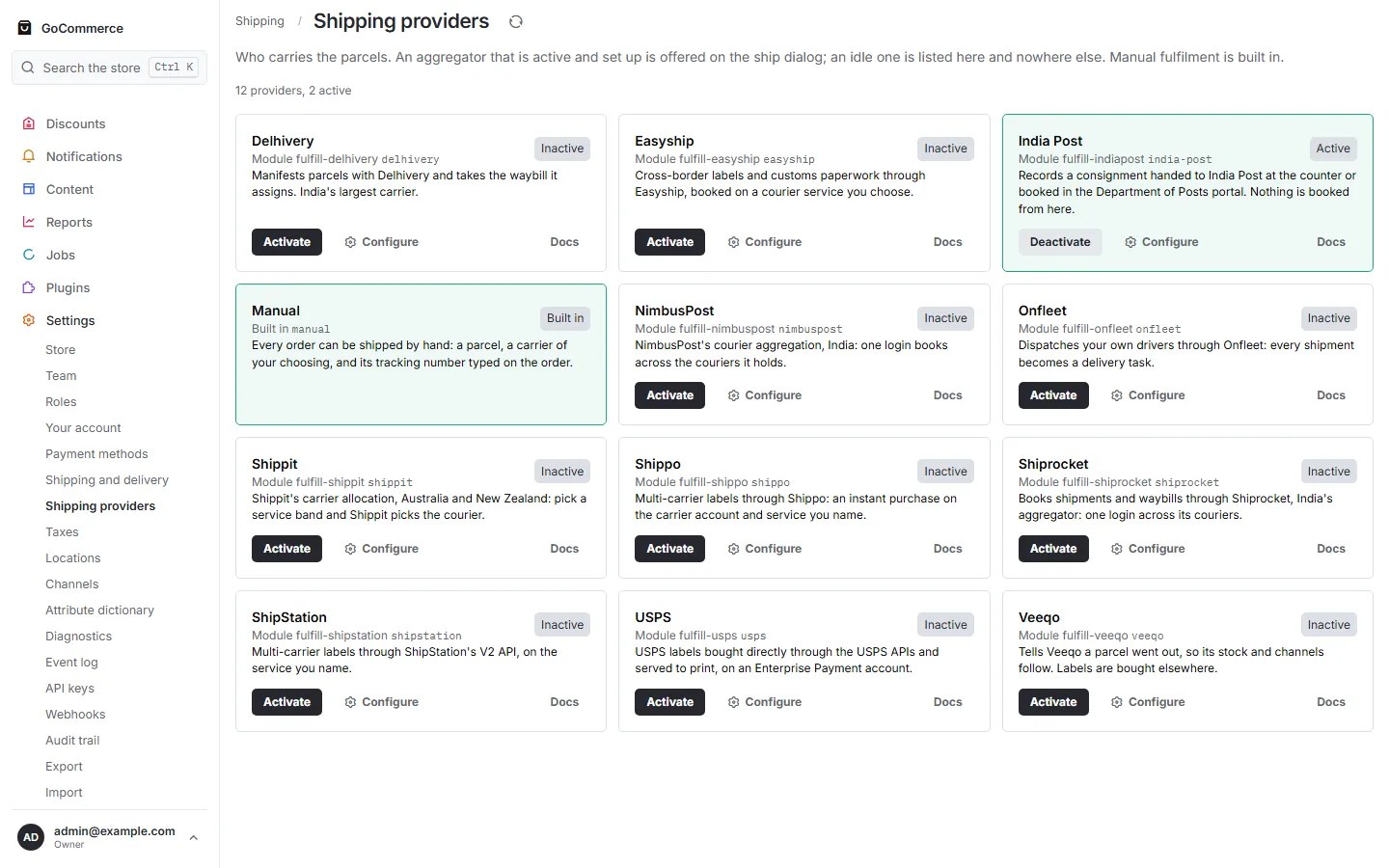
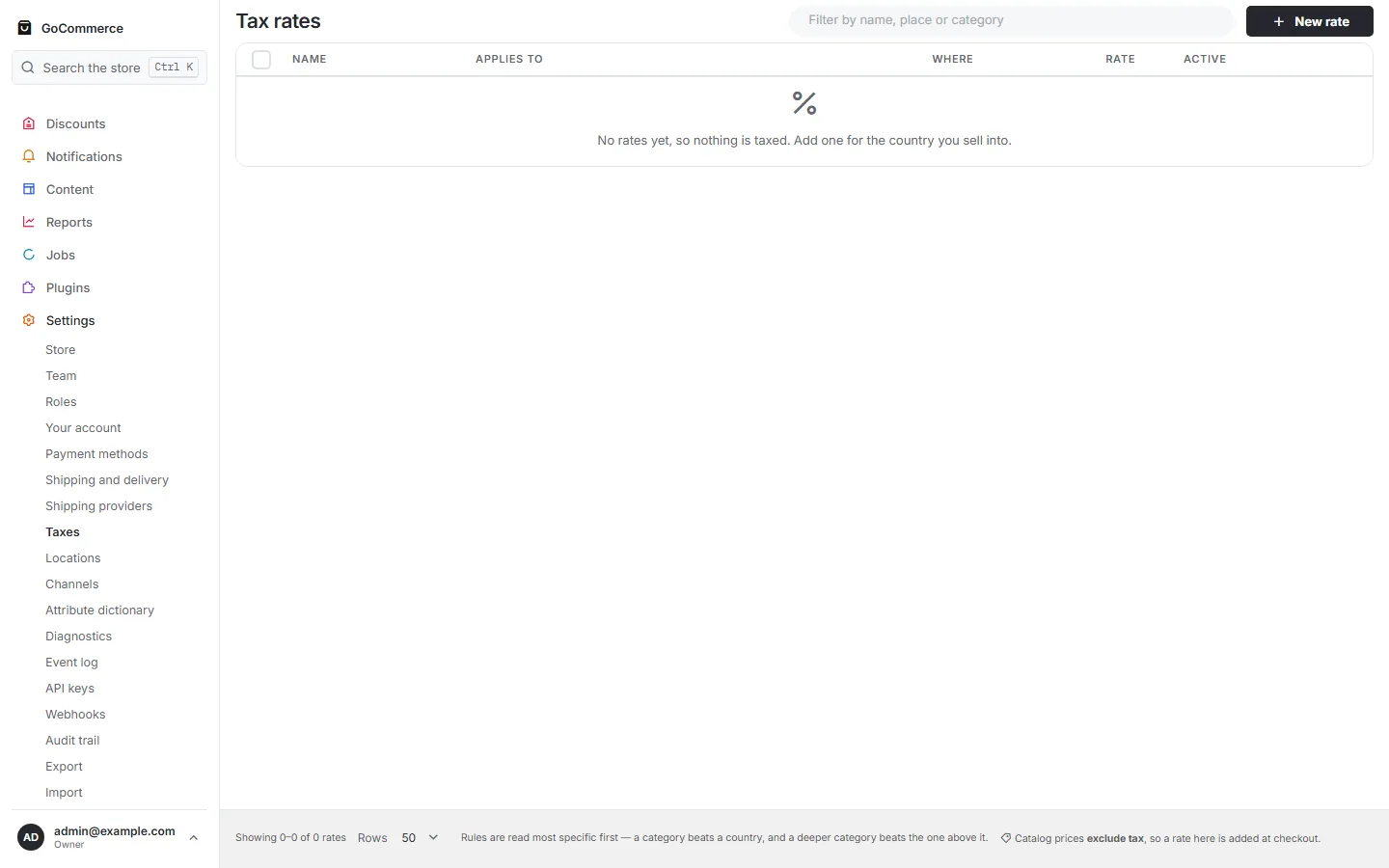
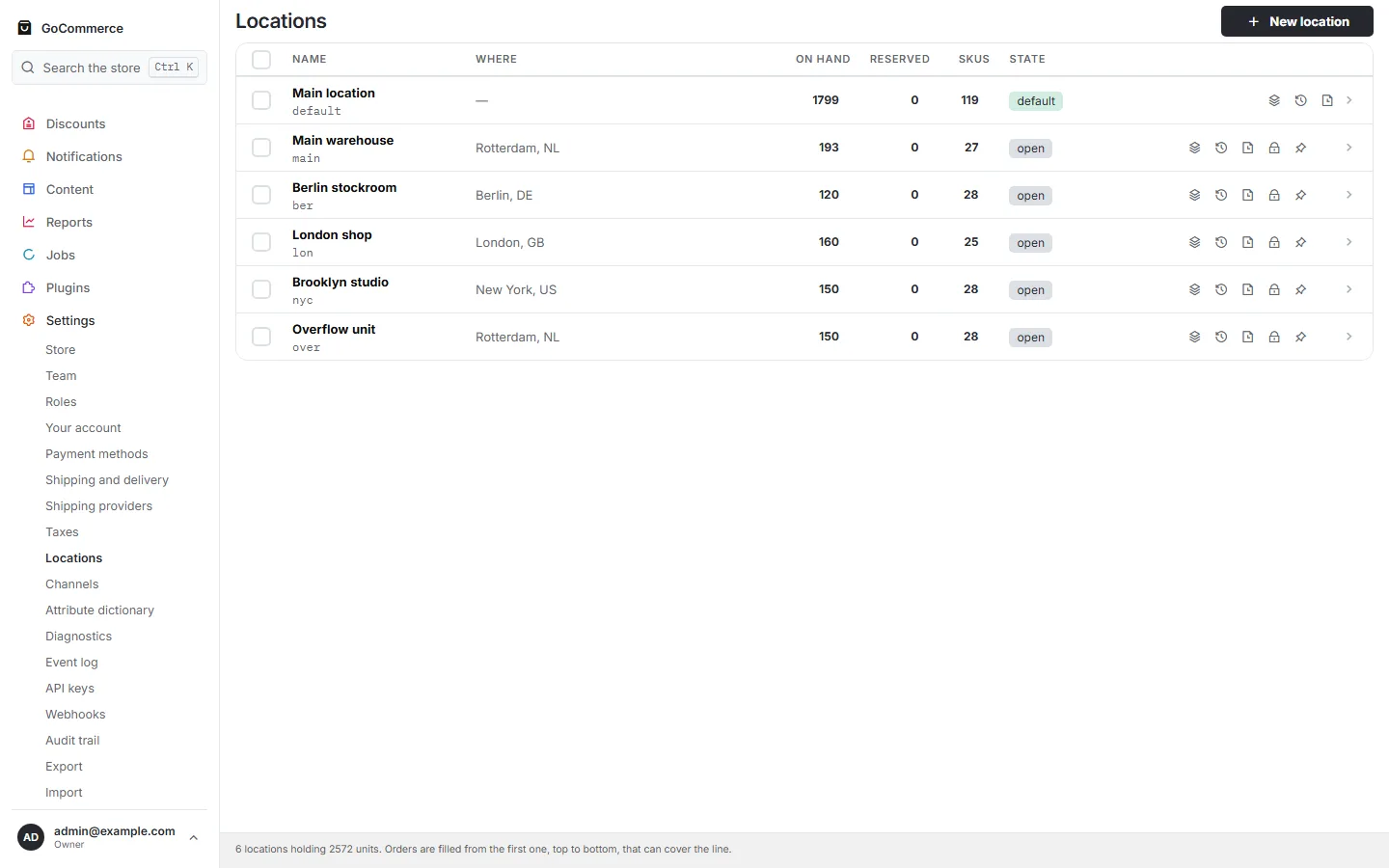
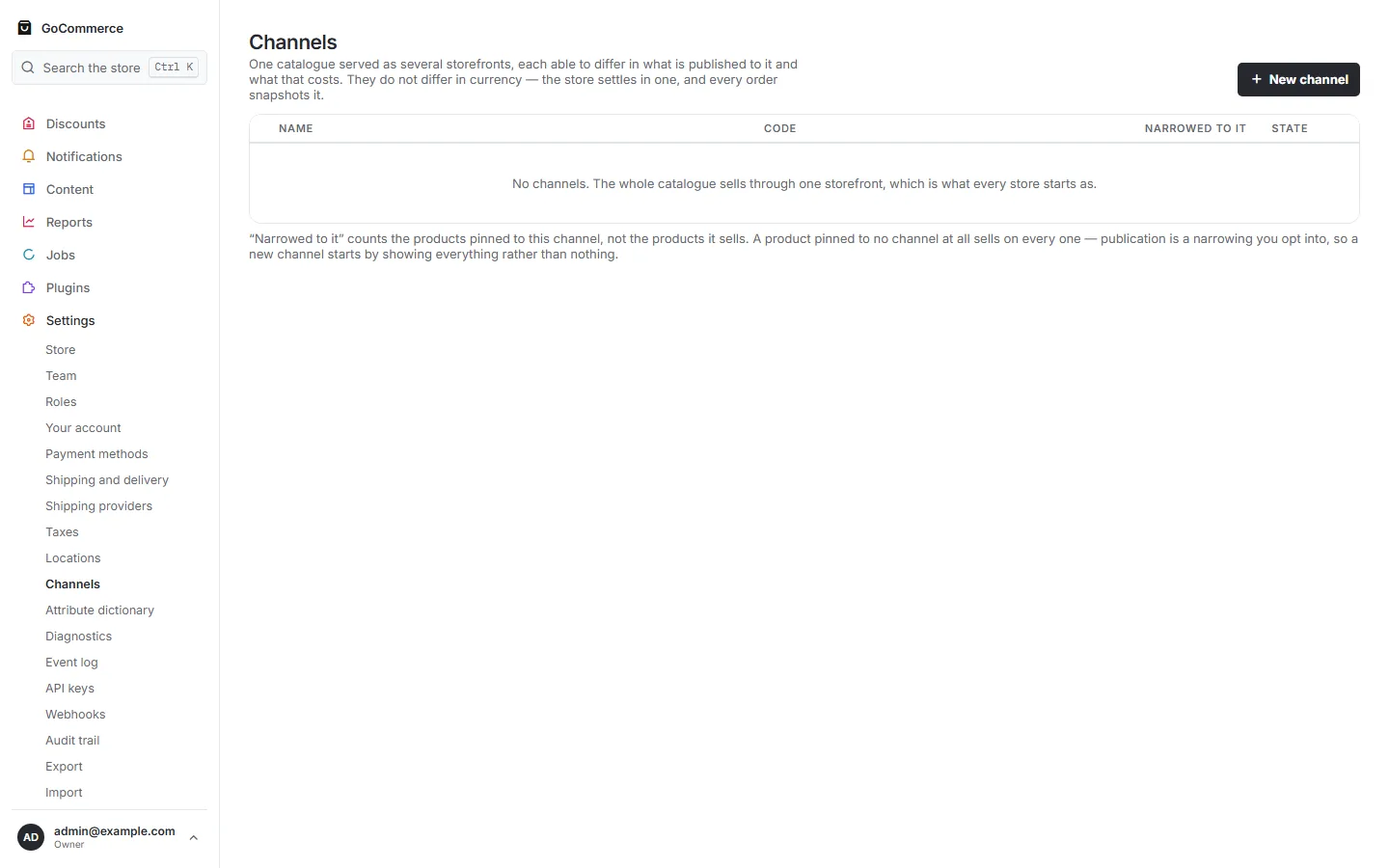
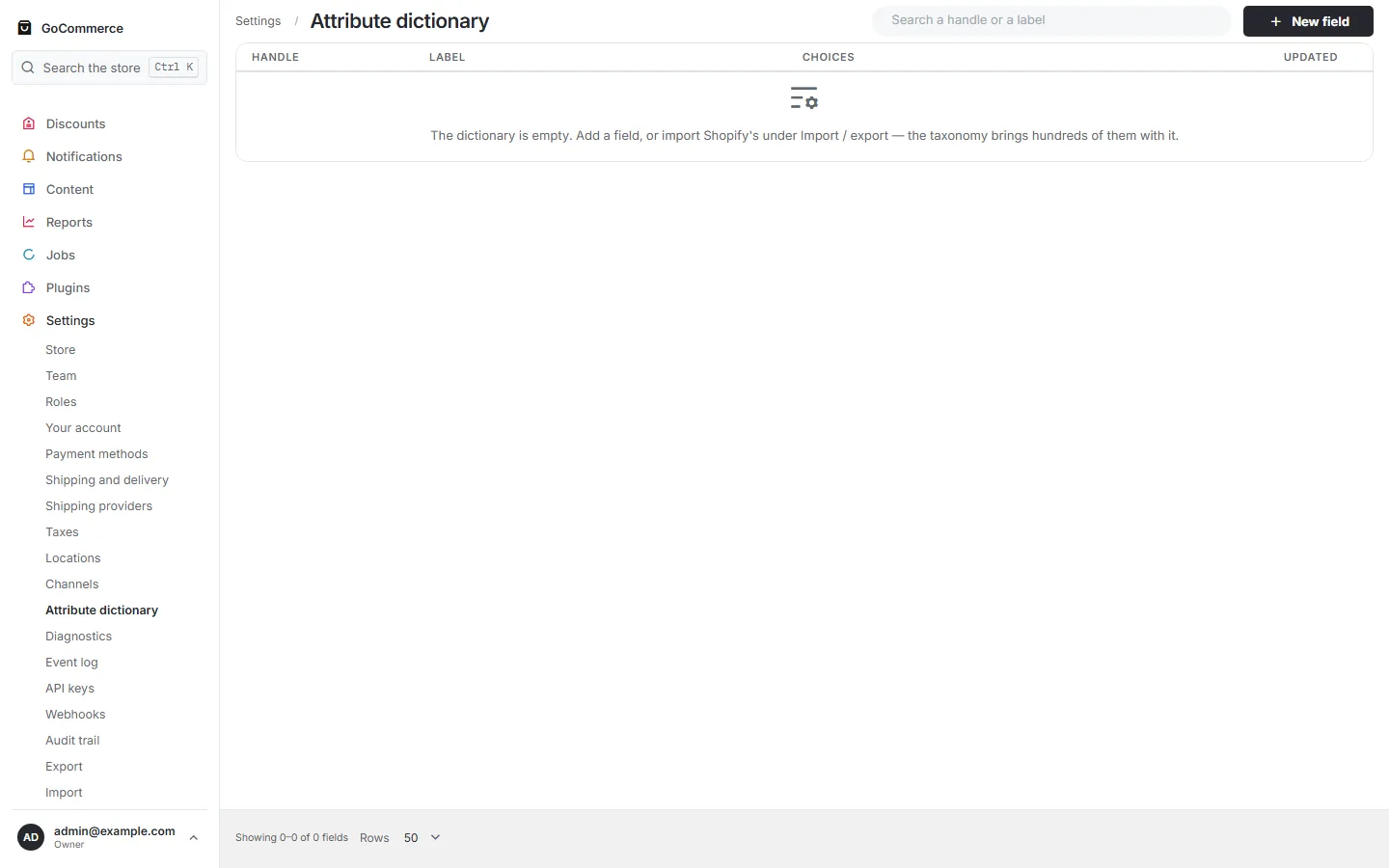
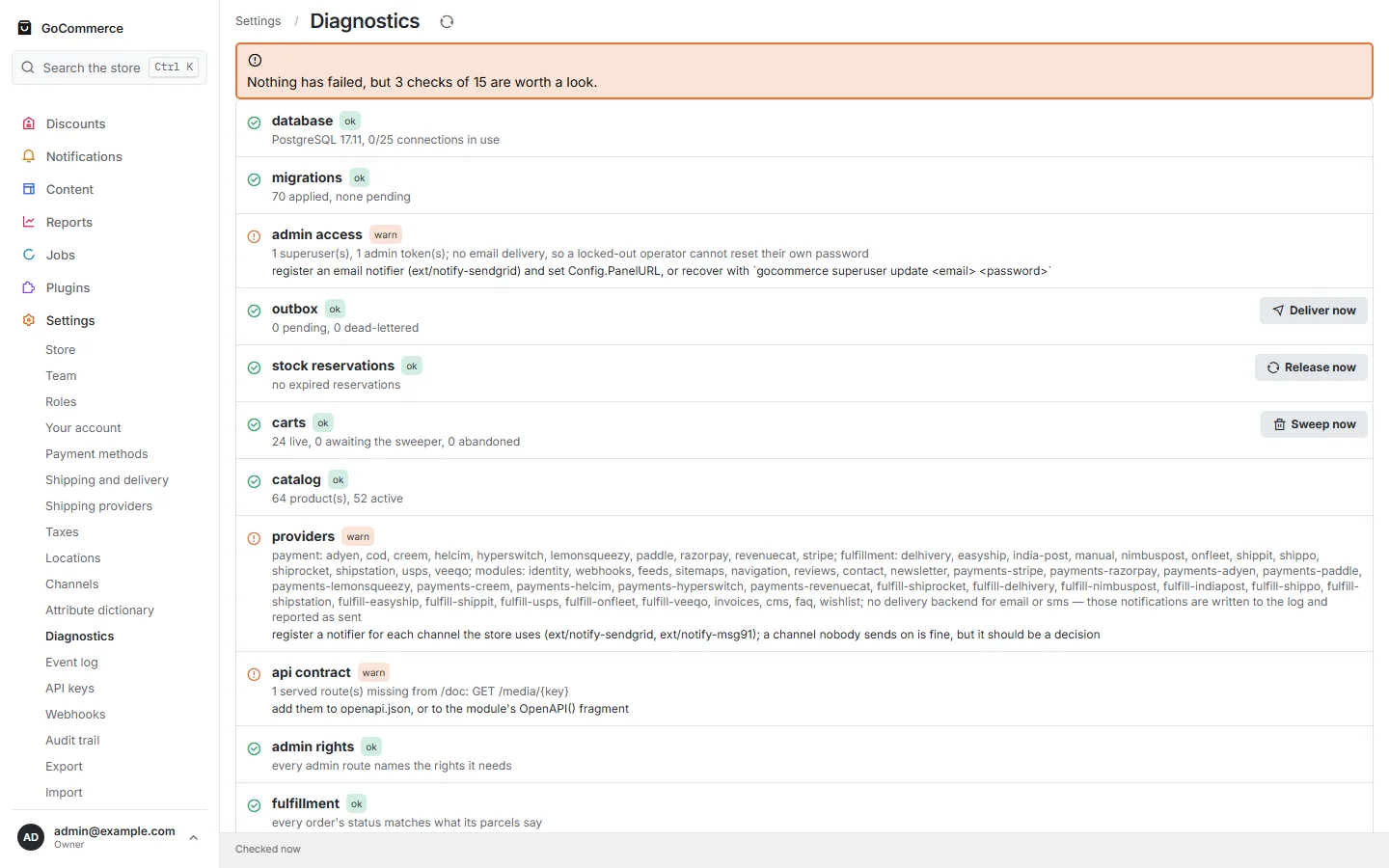
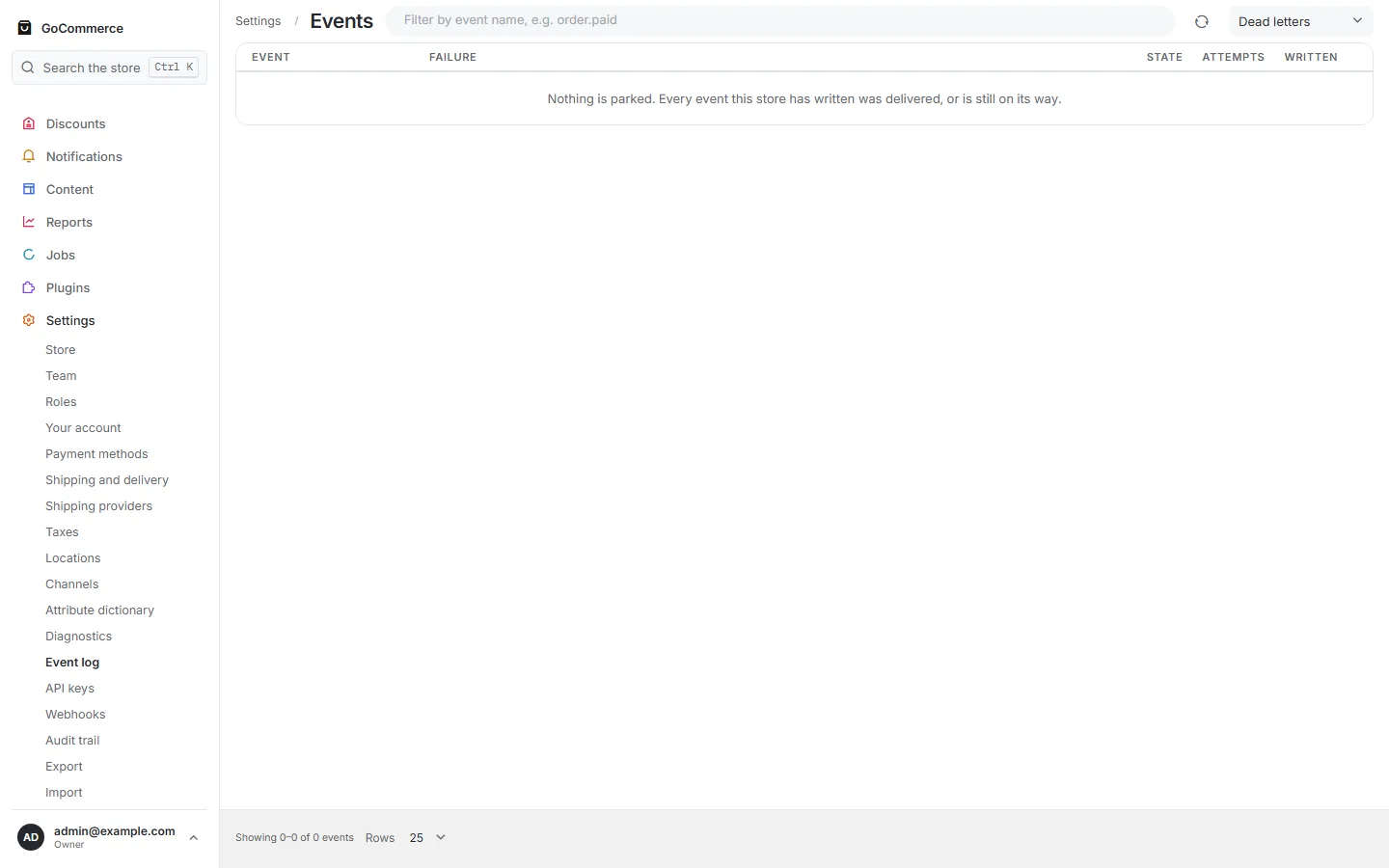
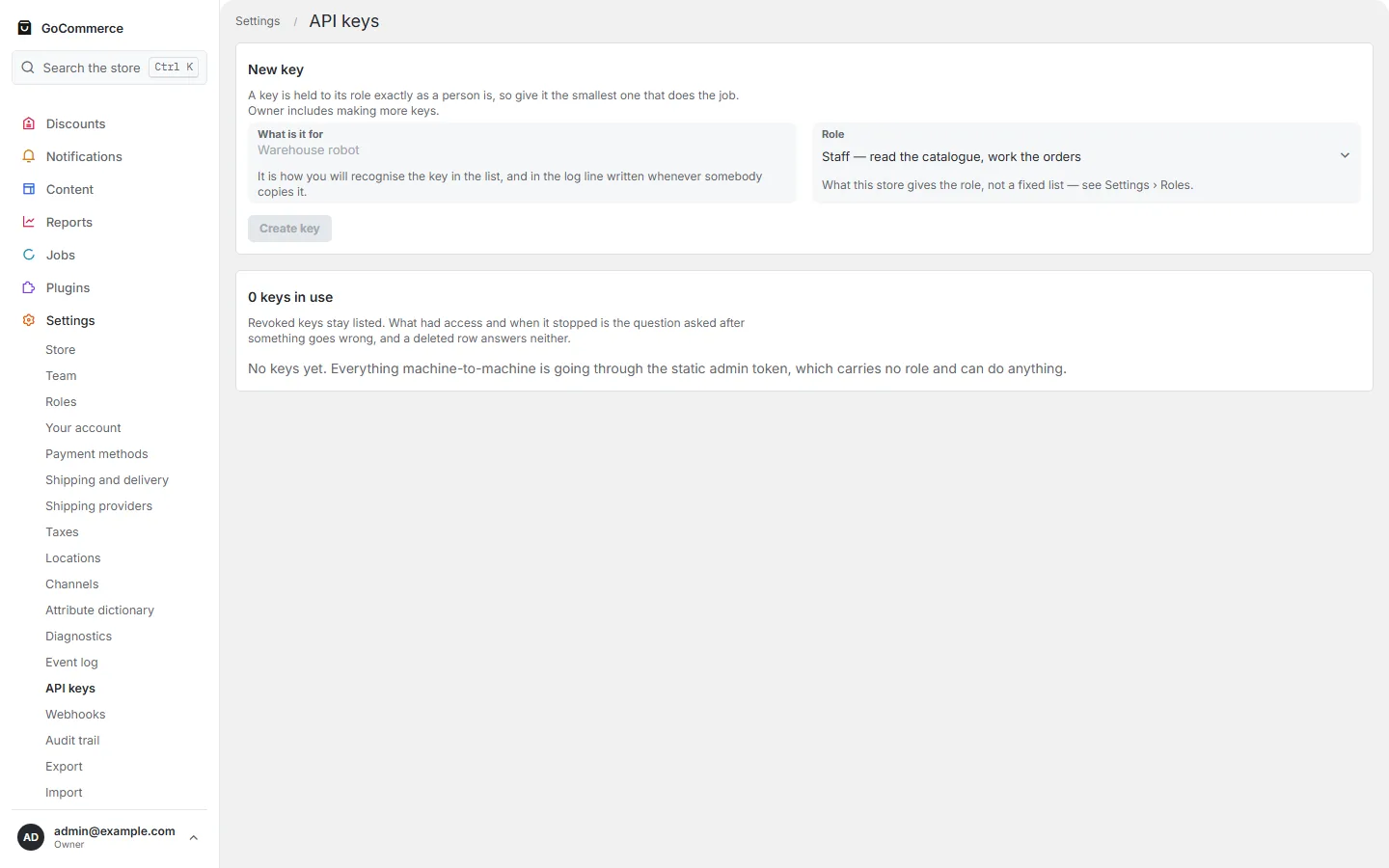
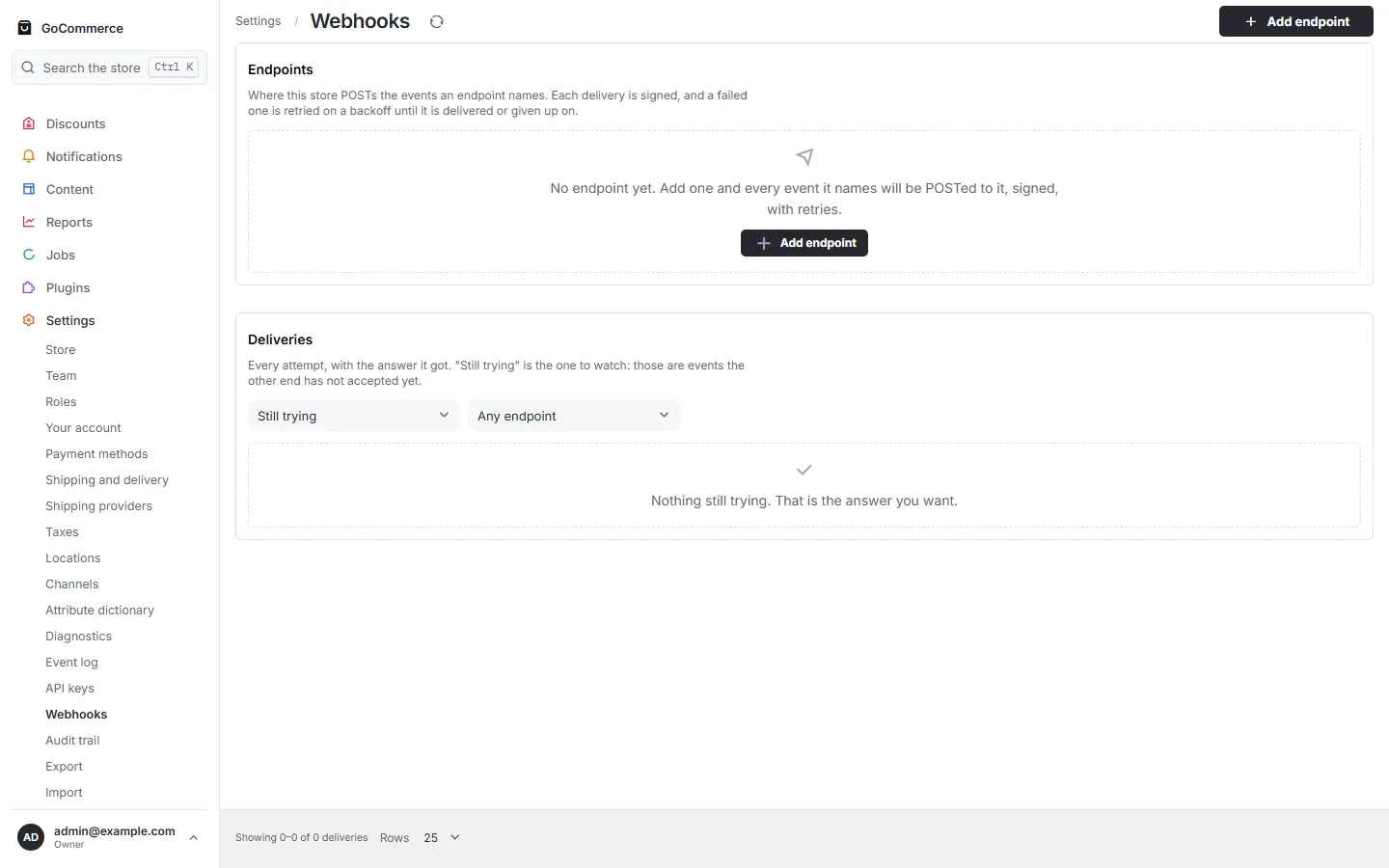
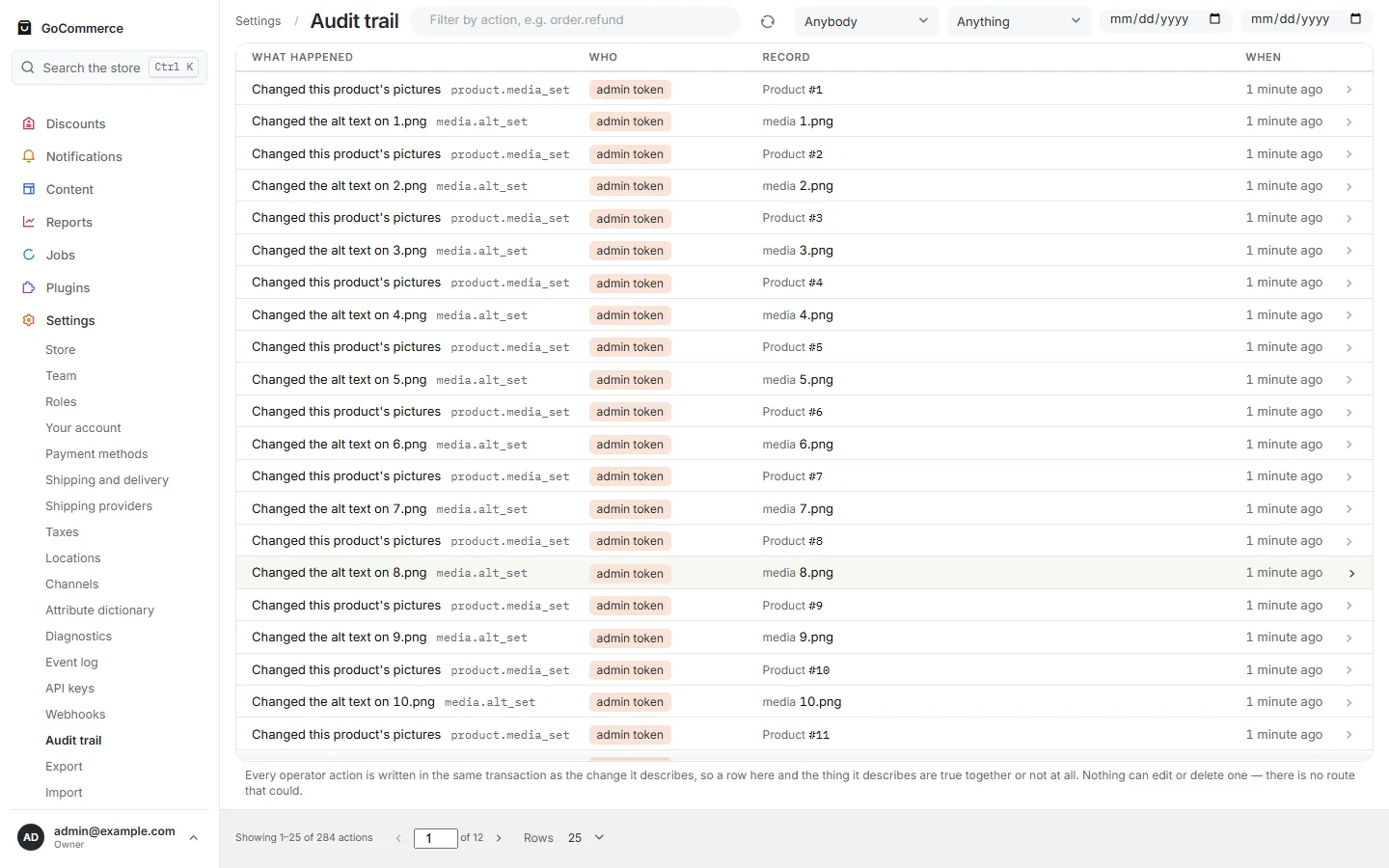
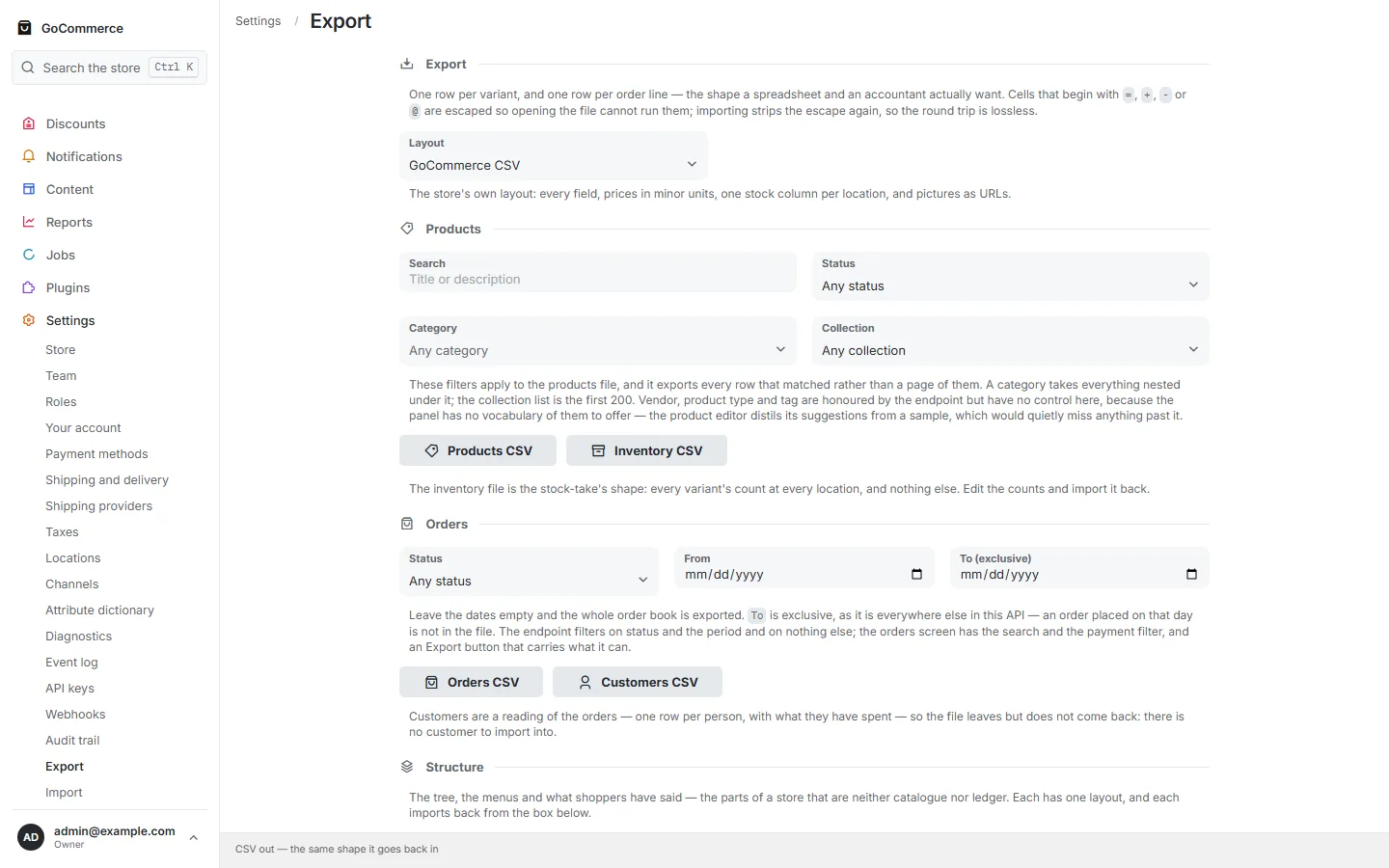
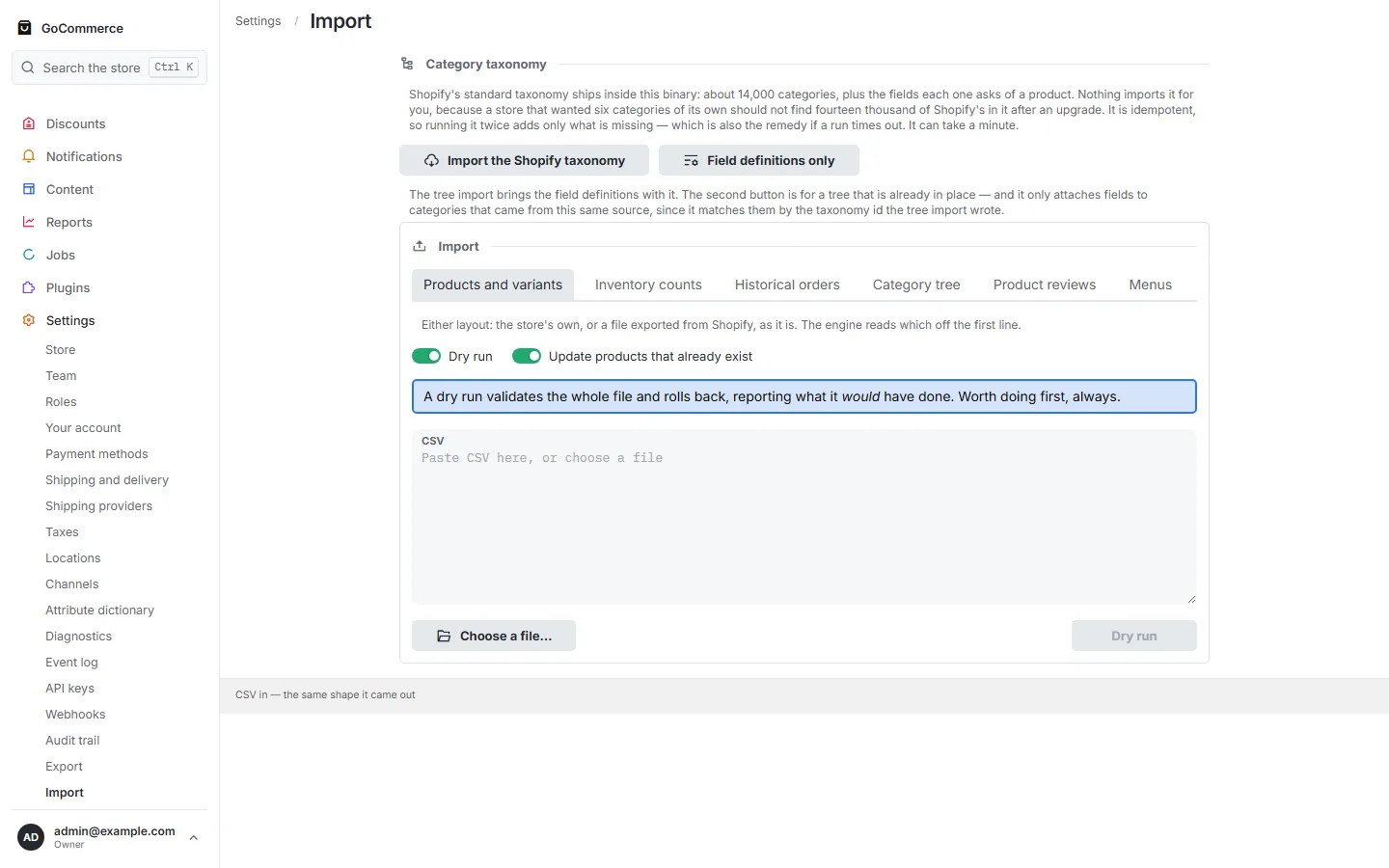
StoreOpen the file ↗TeamOpen the file ↗Your accountOpen the file ↗Payment methodsHow shoppers pay. A gateway that is active and set up is offered at checkout; an idle one is listed here and nowhere else. Cash on delivery is built in.Open the file ↗Shipping and deliveryThe most specific zone wins: a zone naming a state beats one naming only its country, which beats the zone that names nowhere in particular.Open the file ↗Shipping providersWho carries the parcels. An aggregator that is active and set up is offered on the ship dialog; an idle one is listed here and nowhere else. Manual fulfilment is built in.Open the file ↗TaxesOpen the file ↗LocationsOpen the file ↗ChannelsOpen the file ↗Attribute dictionaryOpen the file ↗DiagnosticsNothing has failed, but 3 checks of 15 are worth a look.Open the file ↗Event logOpen the file ↗API keysA key is held to its role exactly as a person is, so give it the smallest one that does the job. Owner includes making more keys.Open the file ↗WebhooksWhere this store POSTs the events an endpoint names. Each delivery is signed, and a failed one is retried on a backoff until it is delivered or given up on.Open the file ↗Audit trailOpen the file ↗ExportOpen the file ↗ImportA dry run validates the whole file and rolls back, reporting what it would have done. Worth doing first, always.Open the file ↗
FAQ
About these captures
Are these real screenshots?
Yes. Each is a Playwright capture of the admin at 1440×900, in both colour schemes, from a GoCommerce instance run from the repository and filled by its own seed script. Nothing is mocked up, and the captions are the screens’ own headings and first sentences, read at capture time.
Why does the data look invented?
Because it is: the seed script generates a fixed catalogue, customers and orders from a fixed random seed so the same store can be photographed twice. No real customer appears on any screen.
Is every screen here?
Every screen the panel’s own navigation lists when every module is installed — 49 in this capture — plus one order and one product opened from their lists. Drawers, dialogs and per-row editors are not photographed; the list screens show where they open from.
Can I click around a live one?
The home page links a live instance at admin.kitcommerce.store. What it lets you do depends on how that instance is configured on the day; this page is the complete, stable tour.
The same admin, on your server, in one command
It is compiled into the GoCommerce binary — no separate deployment, no second server.
We use cookies for analytics — Google Analytics — to understand what content helps
visitors. Nothing loads unless you accept; this site sets no cookies of
its own. Privacy policy